PSO2 NGS Character Creation Shiva
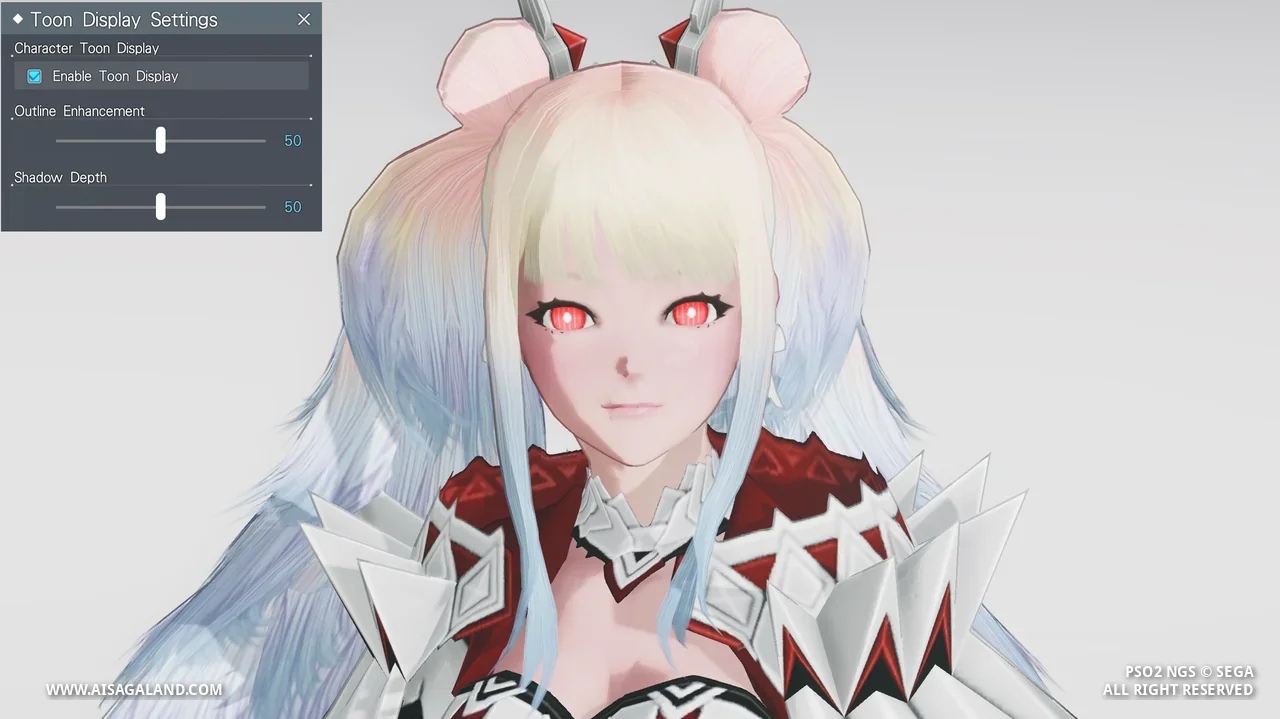
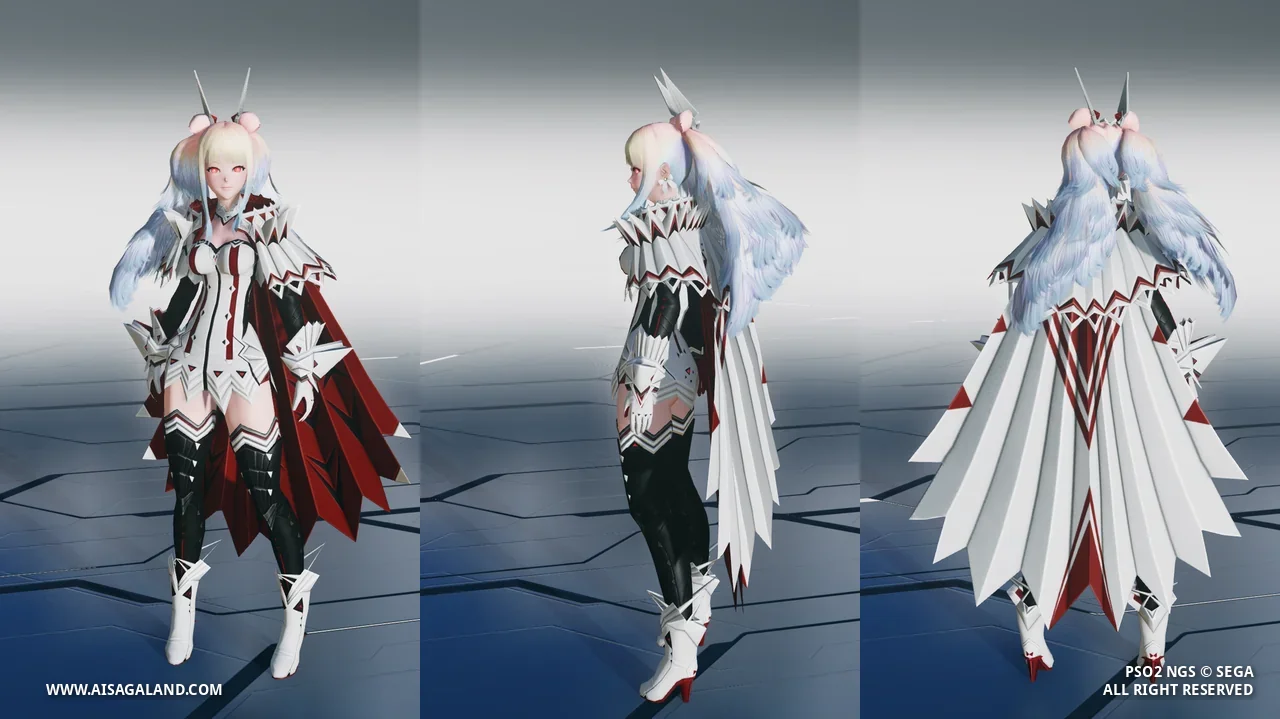
The Goddess of Demise descends upon Halpha. This Type 2 preset recreates Shiva's majestic and intimidating look from PSO2 Classic.
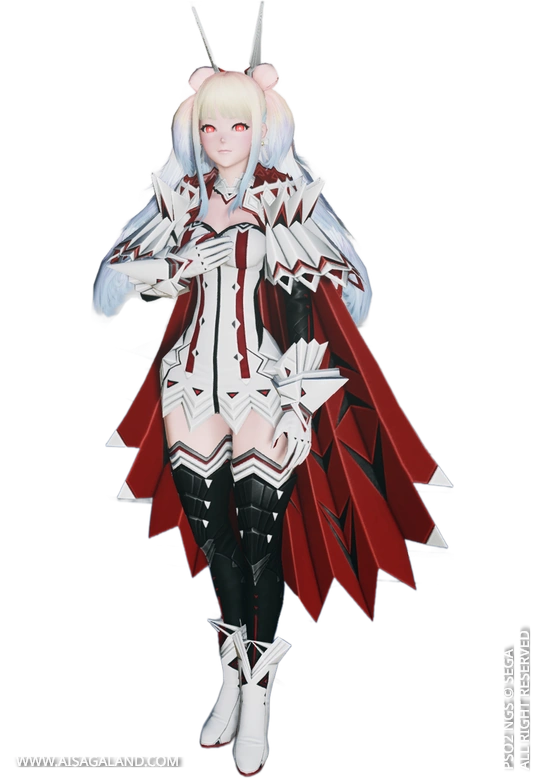

The character made on this article and recipe maybe not 100% exactly like the NPC or the original character, some types of parts may be different versions, according to what I can present, so you can adjust it with a suitable part. but as much as possible, even though it's not too perfect.
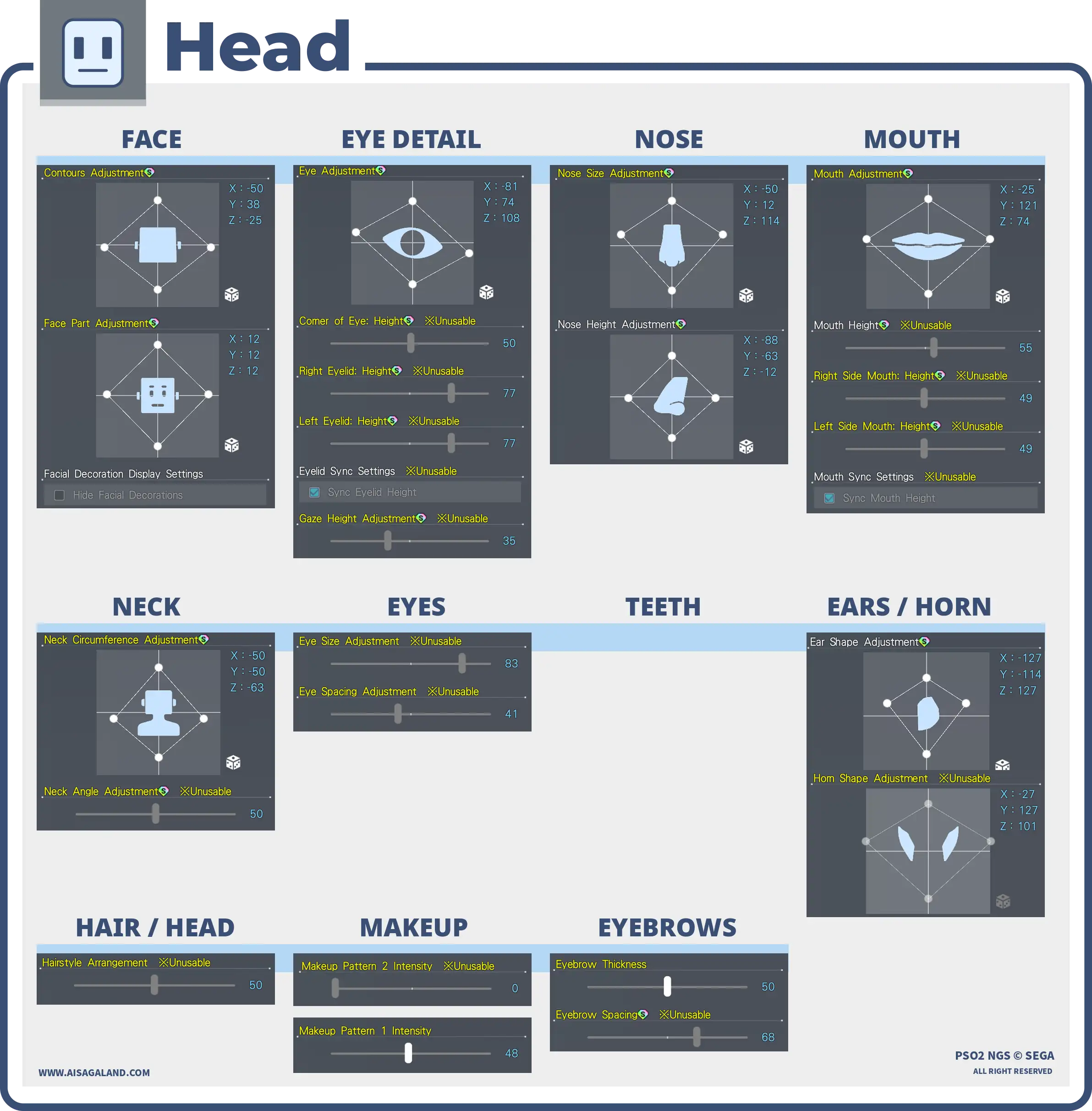
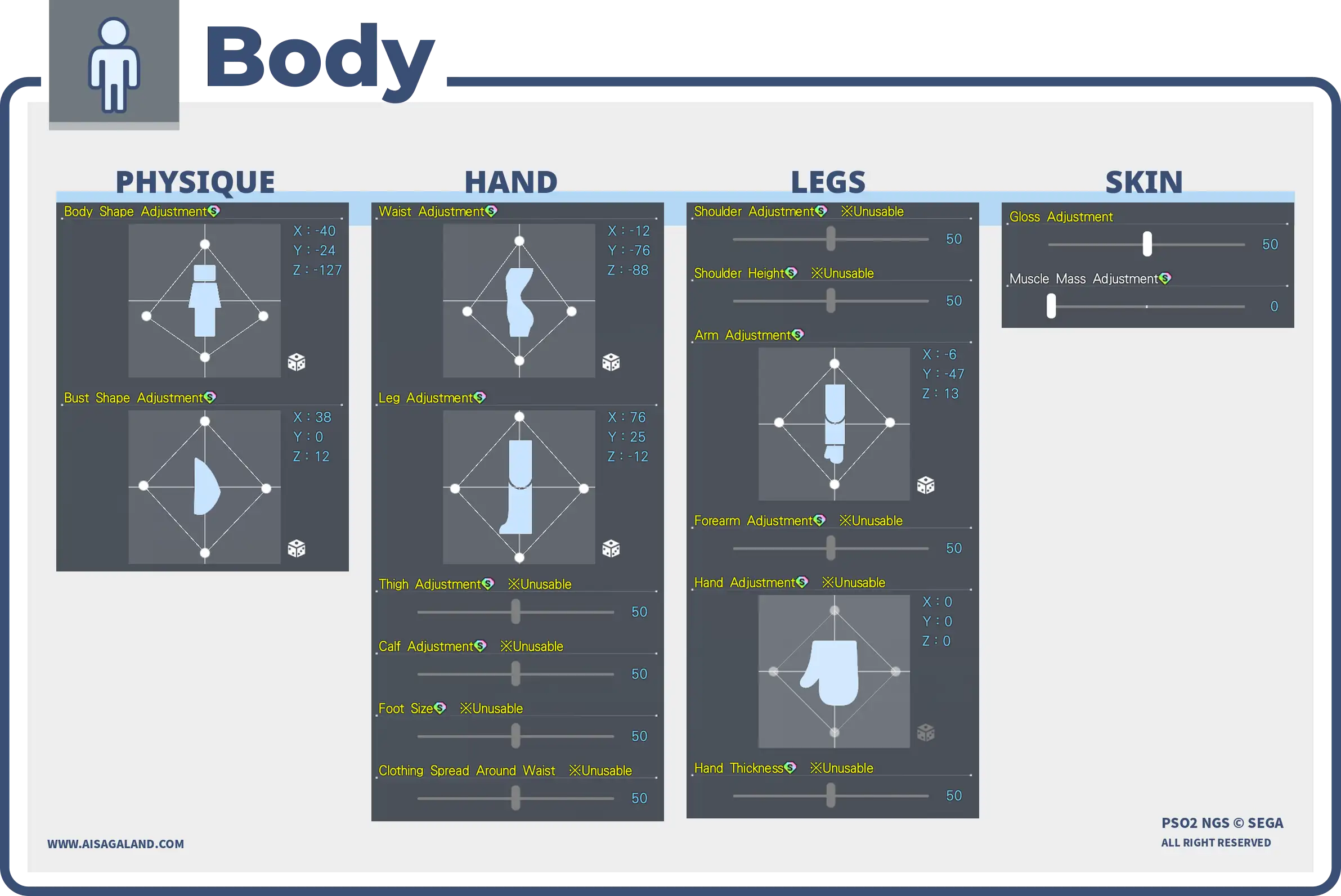
This Character Recipe can be used in PSO2 New Genesis or PSO2 Classic game, but the slider instructions use the interface / UI from New Genesis game, here is the recipe info for Shiva. Good luck, happy creation and hope it can help you :)
Just a heads-up, this recipe was originally made in PSO2 Classic! You can definitely still use it in NGS, but some items might look a bit off. Feel free to tweak and adjust it however you like!
Video Preview
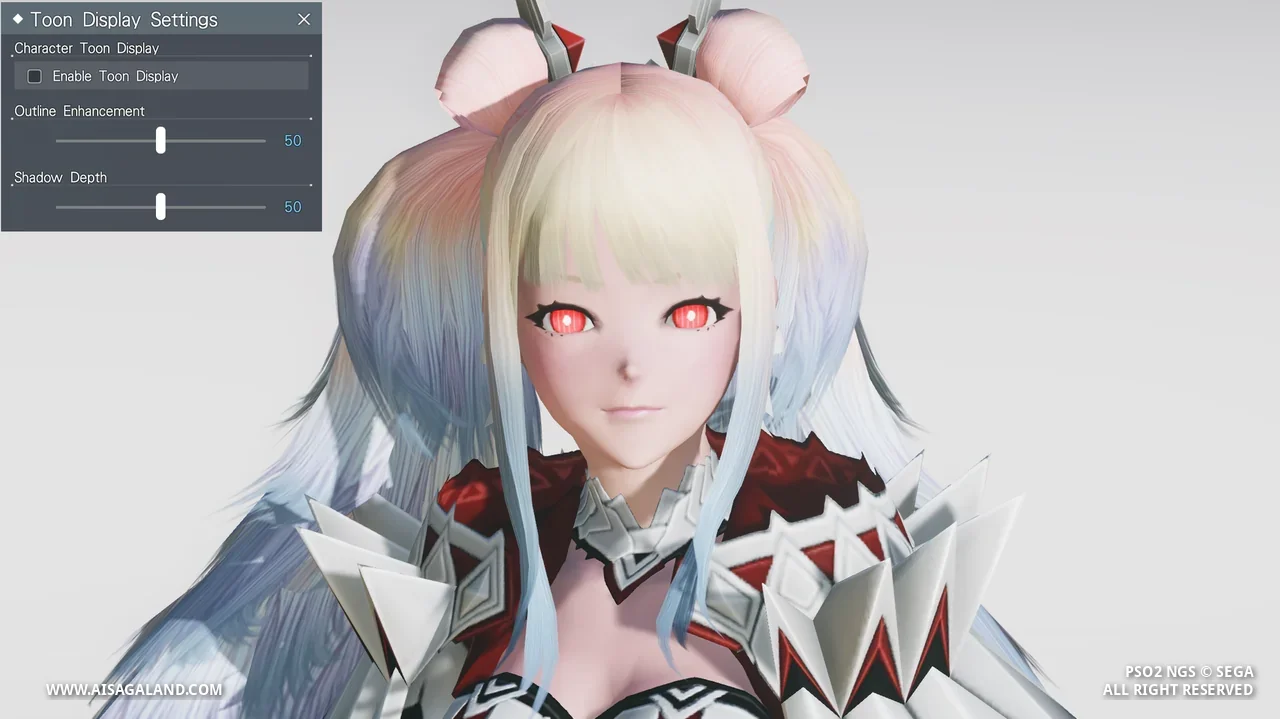
Slider Parameters
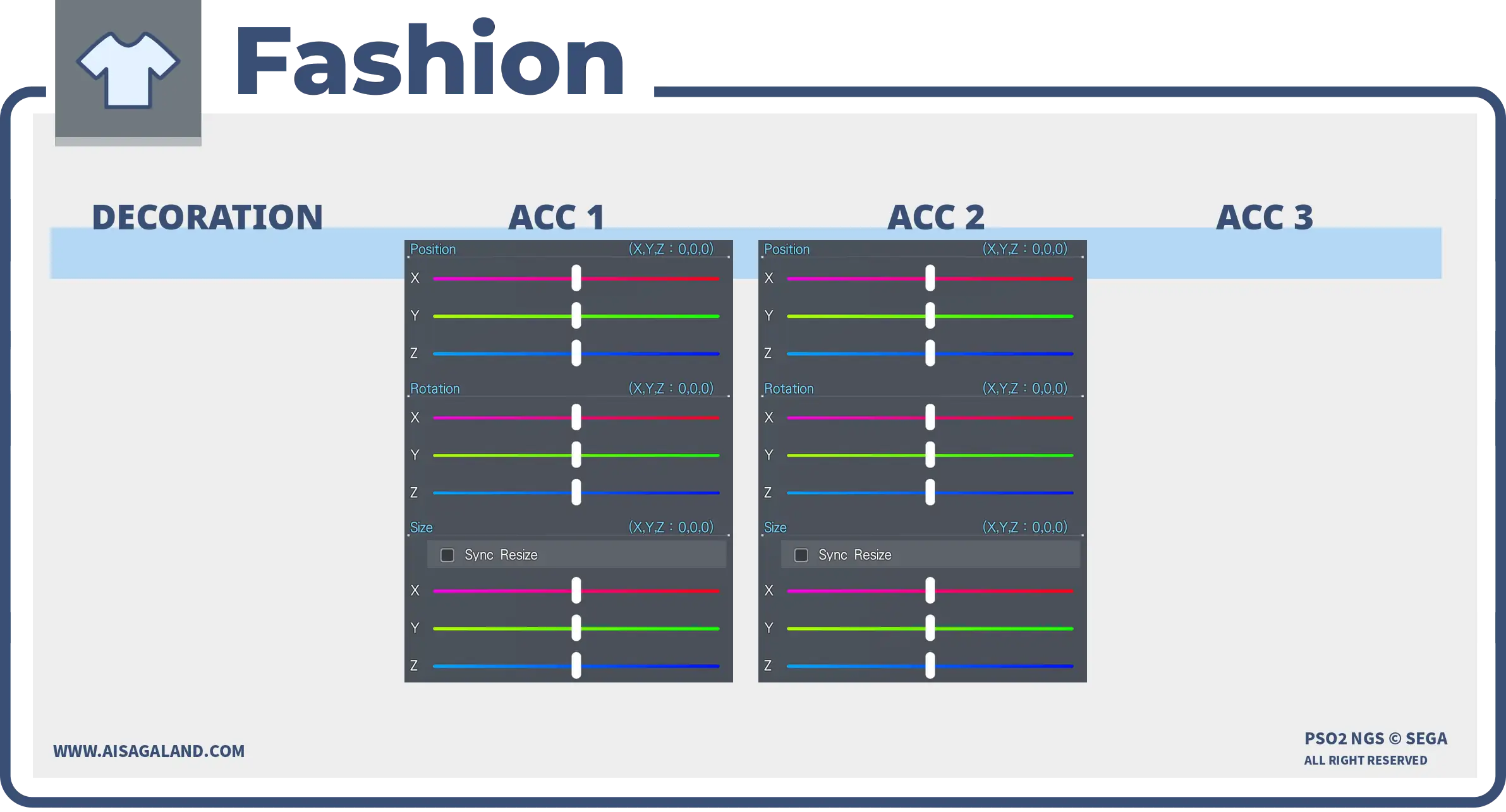
Parts Installed
| Category | Preview | Src | Item Name |
|---|---|---|---|
| Faces |  | Sharpスッキリ顔 | |
| Eyes | | Shiva Eyesシバアイ | |
| Eyebrows | | Base Eyebrows DタイプD | |
| Eyelashes | | Keika Eyelashes: Black傾花まつげ 黒 | |
| Makeup / Facepaint | | FacePaint 20ナチュラルメイク | |
| Hairstyles | | Shiva's Hairシバヘアー | |
| Body Paint | | Shiva's Tattooシバのタトゥー | |
| Outerwear | | Shiva’s Attire [Ou]シバ戦闘衣[Ou] | |
| Basewear | | Shiva’s Attire [Ba]シバ戦闘衣[Ba] | |
| Innerwear | | Shiva’s Attire [In]シバ戦闘衣[In] | |
| Accessory 1 | | Shiva’s Hair Ornamentシバの髪飾り | |
| Accessory 2 | | Shiva’s Earringsシバのピアス |
Color Settings
| Position | Preview | RGB Value |
|---|---|---|
| Hair | 240, 209, 182 | |
| Eye | 255, 36, 36 | |
| Eyelashes | 73, 79, 89 | |
| Skin | 241, 206, 189 | |
| Sub Skin | 167, 0, 65 | |
| [Ou] Color 1 | 239, 243, 241 |
Item Source Reference
Arks Cash Scratch.
Star Gems Scratch.
Genesis Points.
FUN Scratch from PSO2 Classic.
PSO2 Classic or legacy source.
Limited scratch, event, campaign, or special code.
Mission Pass reward.
Bonus package
Recipe Download
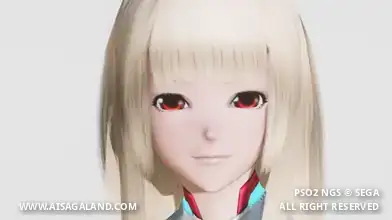
Character Recipe File
⚠️ These character files (.fhp, .fnp, .fdp, etc.) are just the "vanilla" face presets. What you see in the BASE FACE PREVIEW is exactly what you get: raw face data with no makeup and no body sliders. To finish the look, just match it with the item recipe detailed in this article, or just have fun customizing it yourself.