PSO2 NGS Character Creation Custom 21
Elegant purple eastern wear meets combat readiness. This custom preset features a violet kimono layout for a stylish Type 2 ARKS Defender.
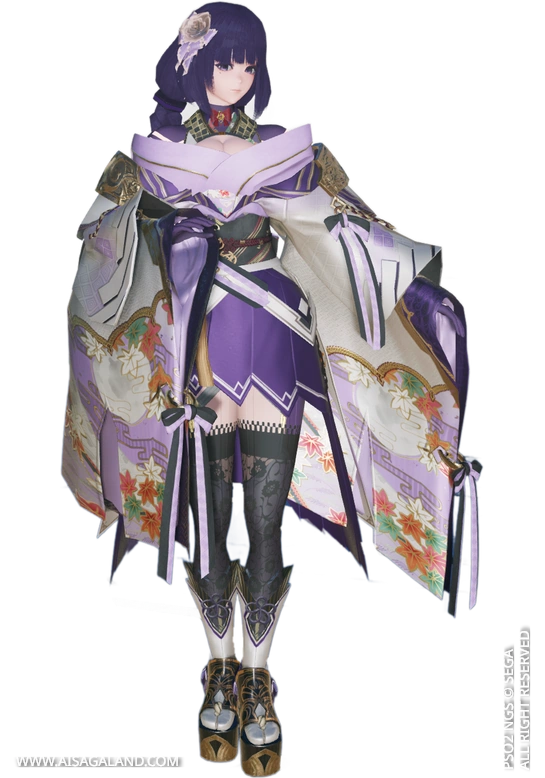
Heads-up! This recipe relies entirely on items from PSO2 Classic + NGS. Feel free to customize and play around with the sliders to make it your own.
This Character Recipe can be used in PSO2 New Genesis or PSO2 Classic game, but the slider instructions use the interface / UI from New Genesis game, here is the recipe info for Custom Recipes #21. Special thank for the character creation reference from untitled_nec@再現勢
Video Preview
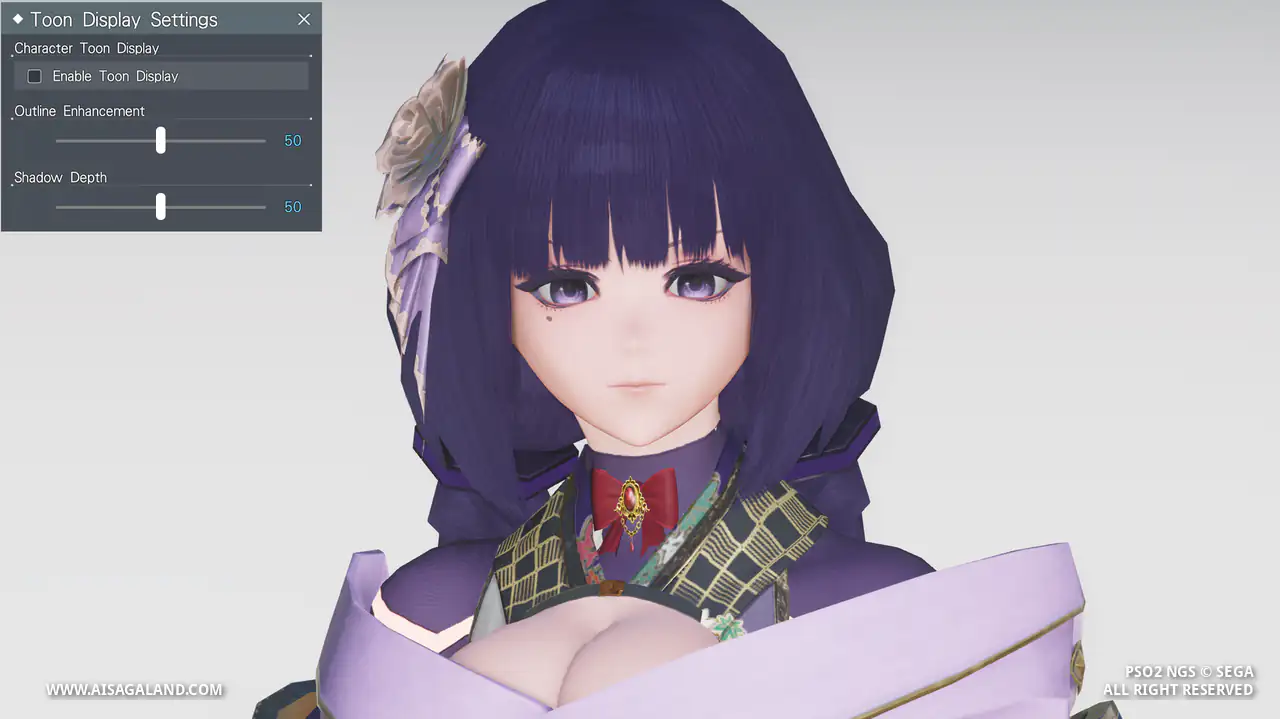
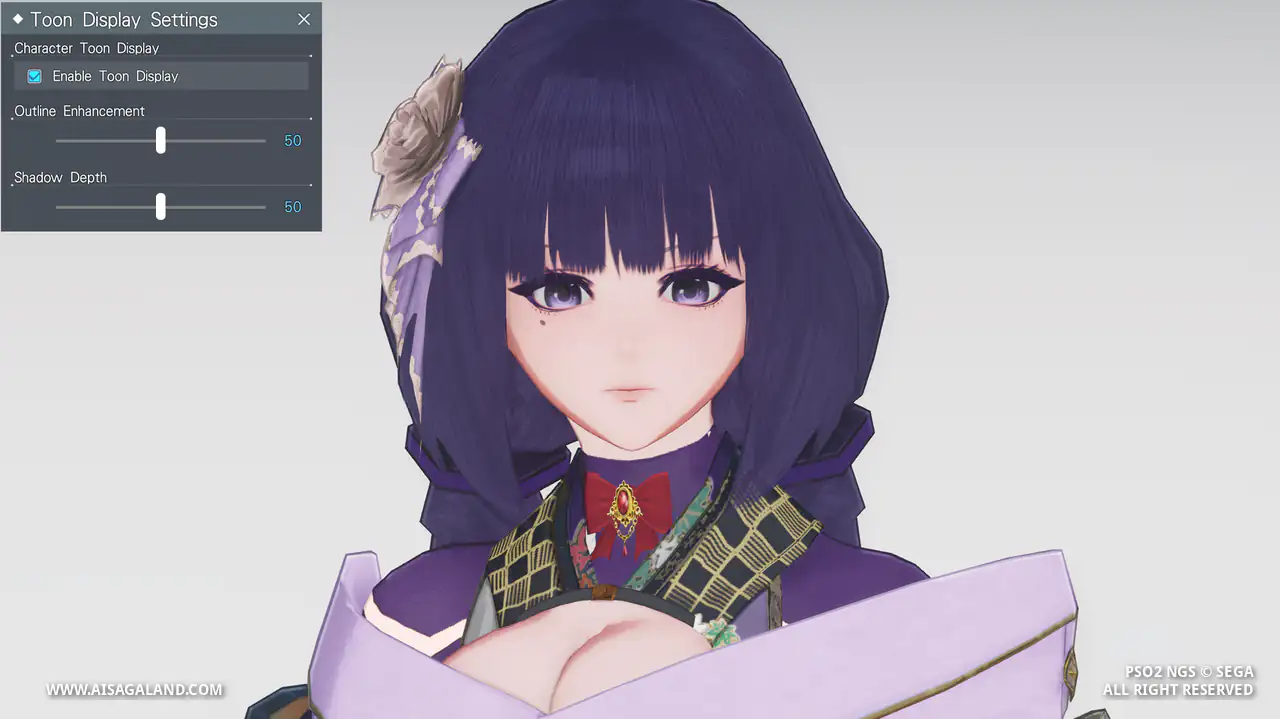
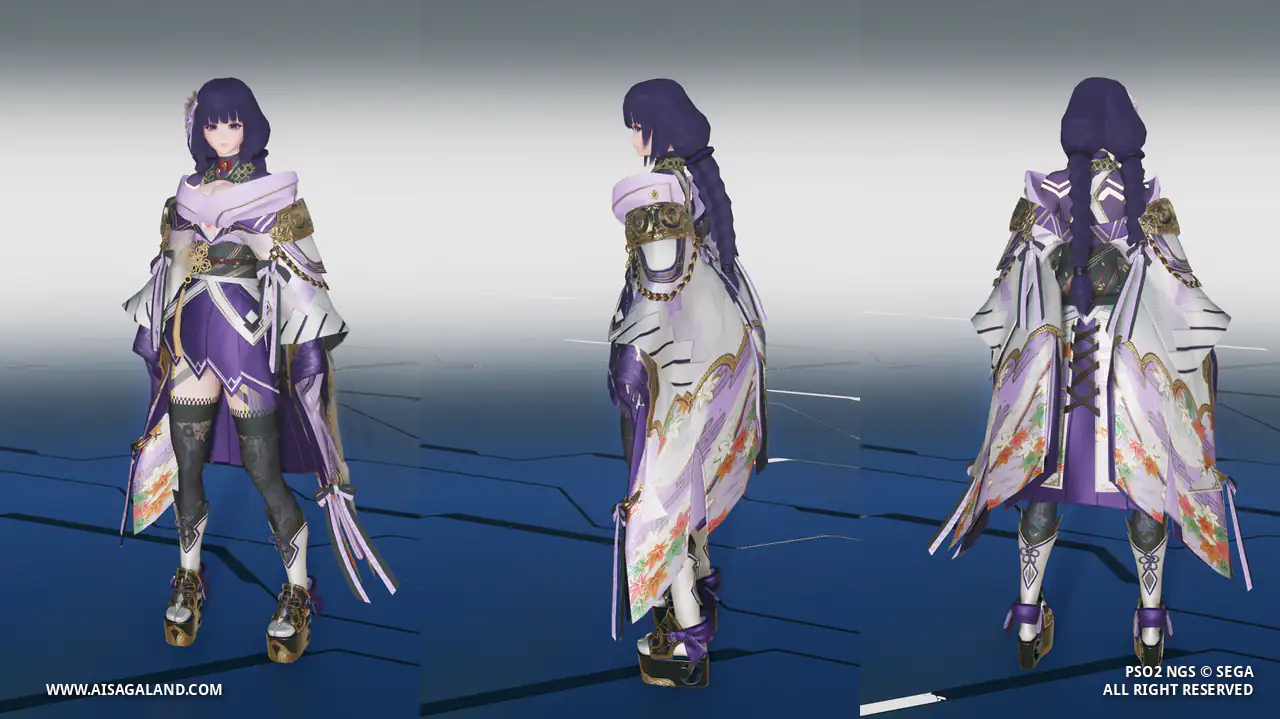
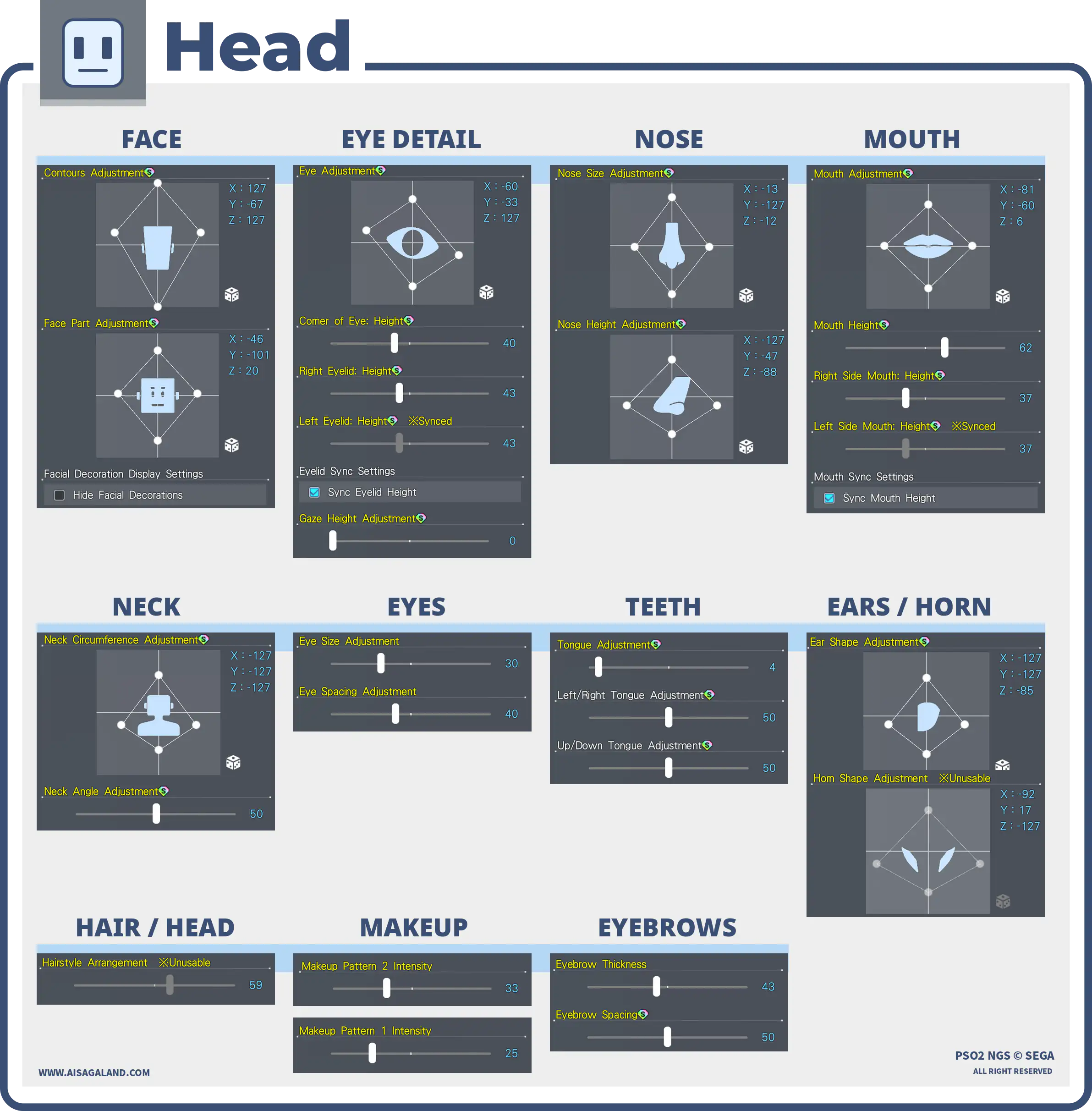
Slider Parameters
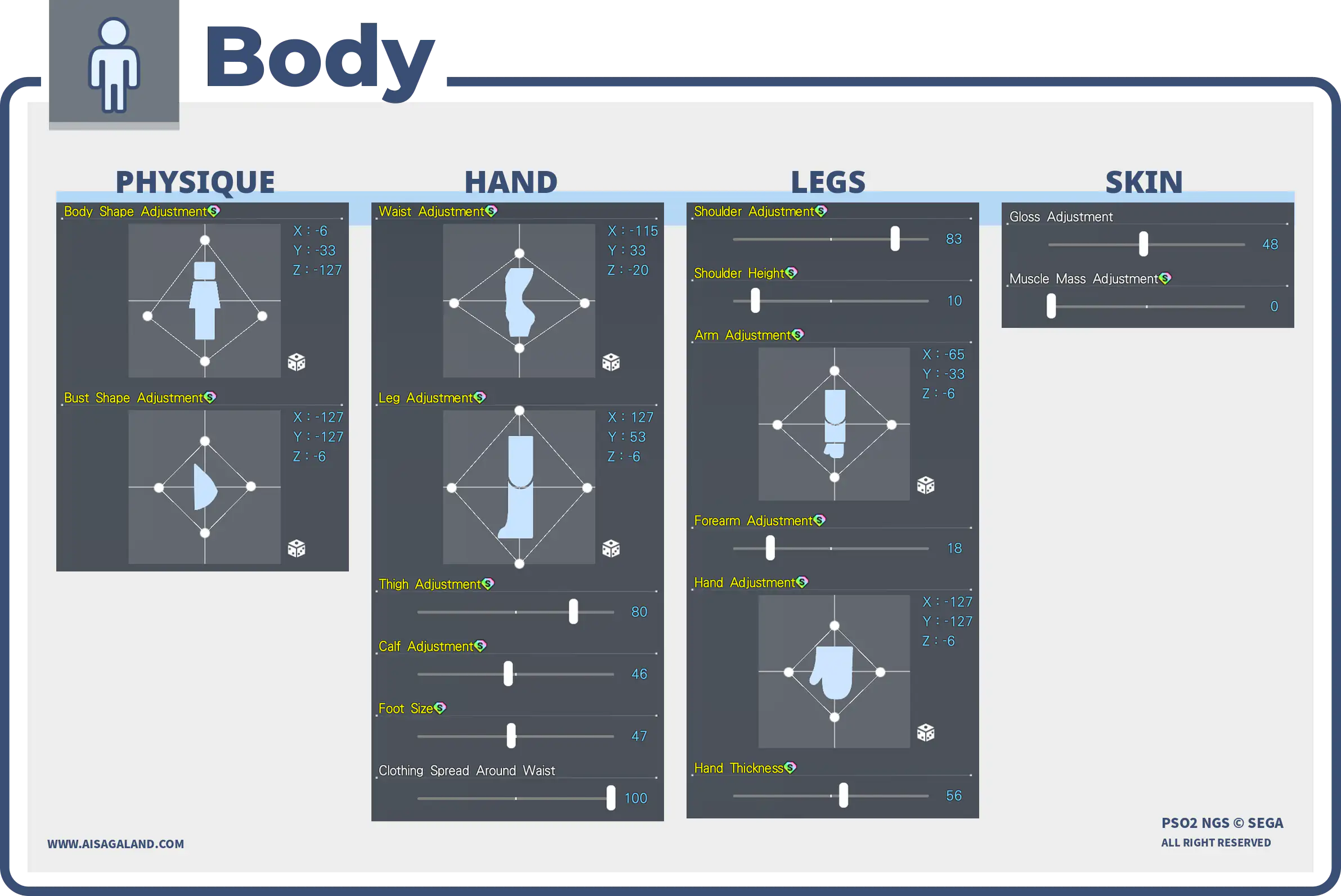
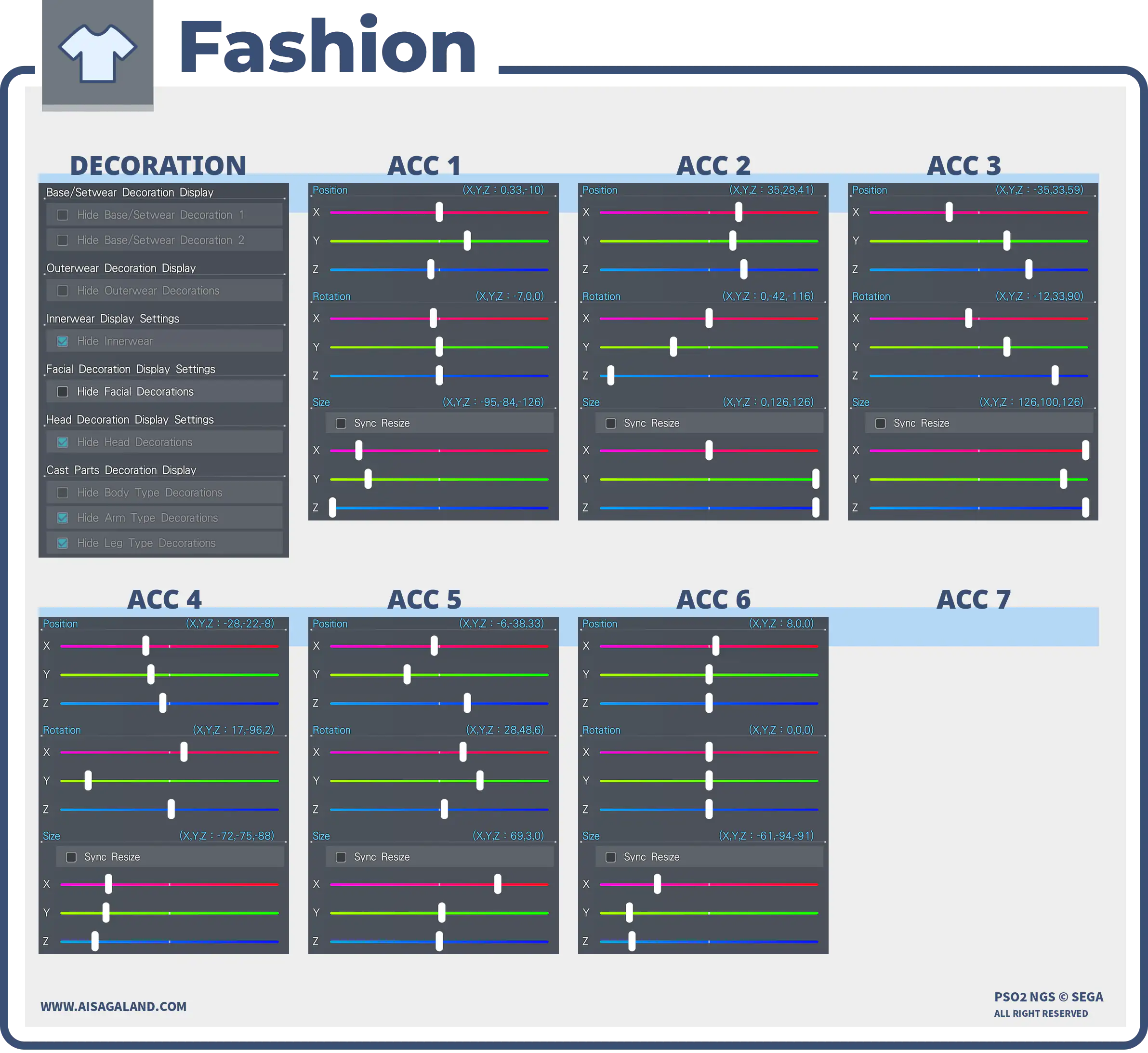
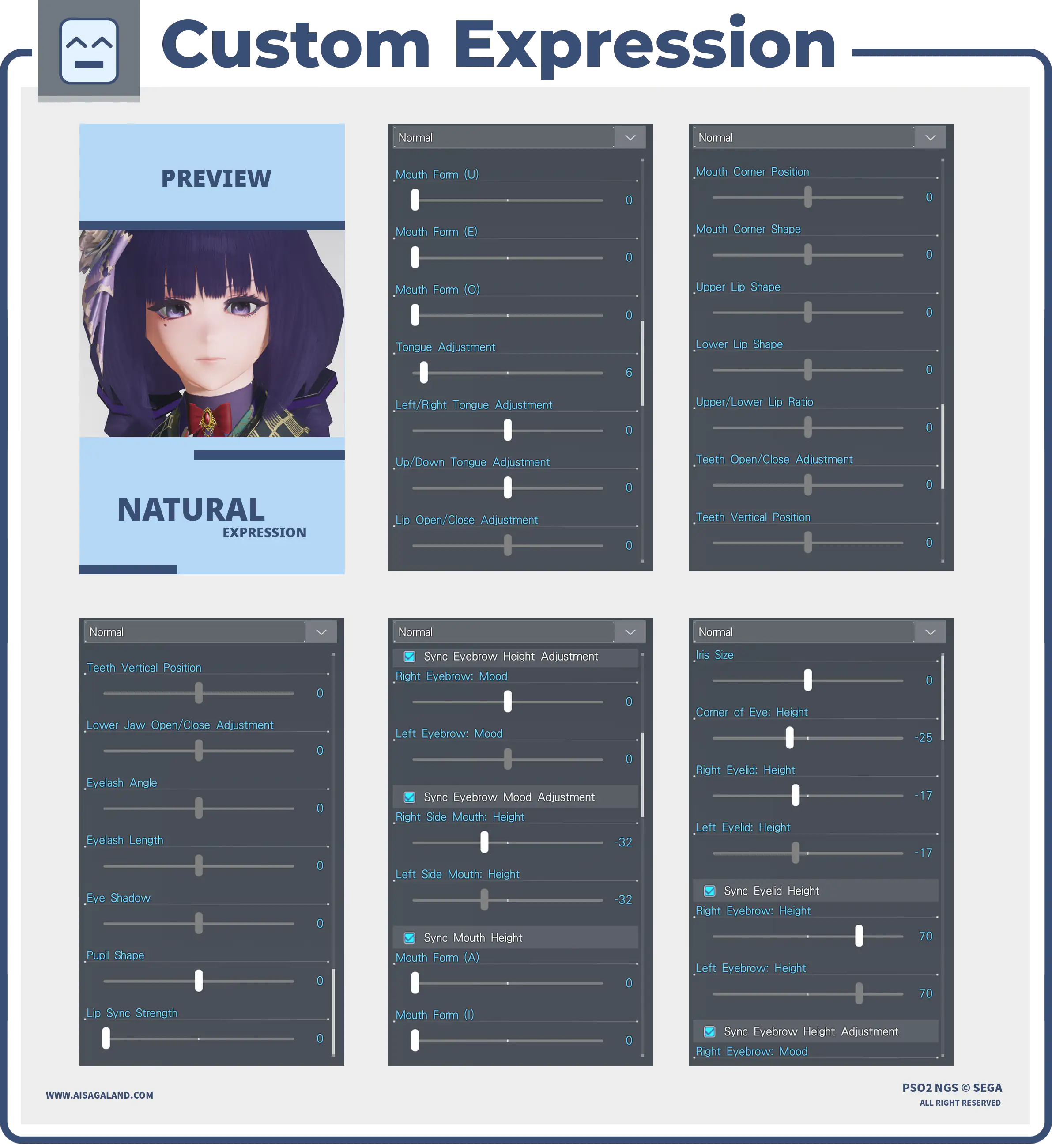
Custom Facial Expressions
Parts Installed
| Category | Preview | Src | Item Name |
|---|---|---|---|
| Skin Patterns |  | Base Body T2ベースボディT2 | |
| Faces |  | Lively Faceハツラツフェイス | |
| Eyes | 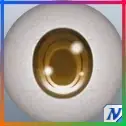 | Illustratica Eyes/Cイラスティカアイ/C | |
| Eyebrows | 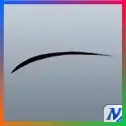 | Slim Eyebrows/Eスリムまゆ/E | |
| Eyelashes | 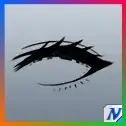 | Double Dream Eyelashesフタエノゴーシャまつげ | |
| Makeup / Facepaint 1 | 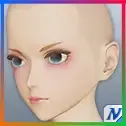 | Soft Makeup/Bフンワリメイク/B | |
| Makeup / Facepaint 2 | 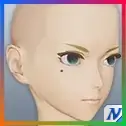 | Noire Tearノワーレティアーズ | |
| Hairstyles |  | Cortu Hairコルトゥヘアー | |
| Body Paint 1 | 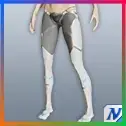 | Valkys TightsヴァルキスタイツPriority 2 | |
| Body Paint 2 | 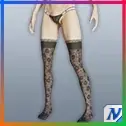 | N-Carretera Socks/BN-カレテラソックス/BPriority 1 | |
| Innerwear | 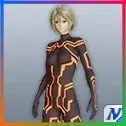 | Dazzle Code [In]ダズールコード[In]Priority 3 | |
| Setwear | 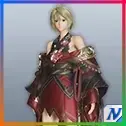 | Divine Yuet/B [Se]カナギユエト/B[Se] | |
| Accessory 1 | 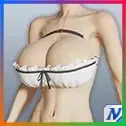 | Frilly Ballooned BosomフリルニューパッドDefault | |
| Accessory 2 | 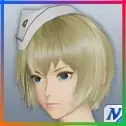 | N-Taulia CapN-タウリアキャップCenter Chest | |
| Accessory 3 | | N-Taulia CapN-タウリアキャップRight Side Chest | |
| Accessory 4 | 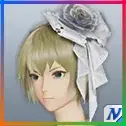 | N-Wedding CorsageN-ウェディングコサージュCentriciput | |
| Accessory 5 | 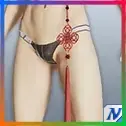 | Decorative Knot TasselカザリムスビタッセルBackbone | |
| Accessory 6 | | Ribbon Frill Collar: Redリボンフリルつけ襟 赤Default |
Color Settings
| Position | Preview | RGB Value |
|---|---|---|
| Hair 2 | 65, 45, 90 | |
| Eye | 170, 111, 220 | |
| Eyelashes | 74, 80, 90 | |
| Eyelashes | 38, 12, 56 | |
| Skin | 246, 201, 194 | |
| Sub Skin | 223, 25, 18 | |
| [Se] Color 1 | 194, 150, 237 | |
| [Se] Color 2 | 57, 10, 93 | |
| [In] Color 1 | 59, 29, 77 | |
| [In] Color 2 | 223, 174, 166 | |
| [Part] Main Color 1 | 209, 157, 106 | |
| [Part] Sub Color 1 | 125, 65, 188 | |
| [Part] Sub Color 2 | 132, 54, 54 |
Item Source Reference
Arks Cash Scratch.
Star Gems Scratch.
Genesis Points.
FUN Scratch from PSO2 Classic.
PSO2 Classic or legacy source.
Limited scratch, event, campaign, or special code.
Mission Pass reward.
Bonus package
Recipe Download
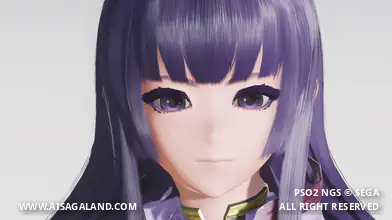
Character Recipe File
⚠️ These character files (.fhp, .fnp, .fdp, etc.) are just the "vanilla" face presets. What you see in the BASE FACE PREVIEW is exactly what you get: raw face data with no makeup and no body sliders. To finish the look, just match it with the item recipe detailed in this article, or just have fun customizing it yourself.