PSO2 NGS Character Creation Custom 20
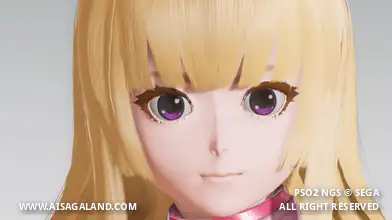
A sweet, casual style to stand out in Central City. Highlighting a comfy outfit with a scarf and cute bunny headphones, this blonde Type 2 preset adds a playful charm to your ARKS Defender.
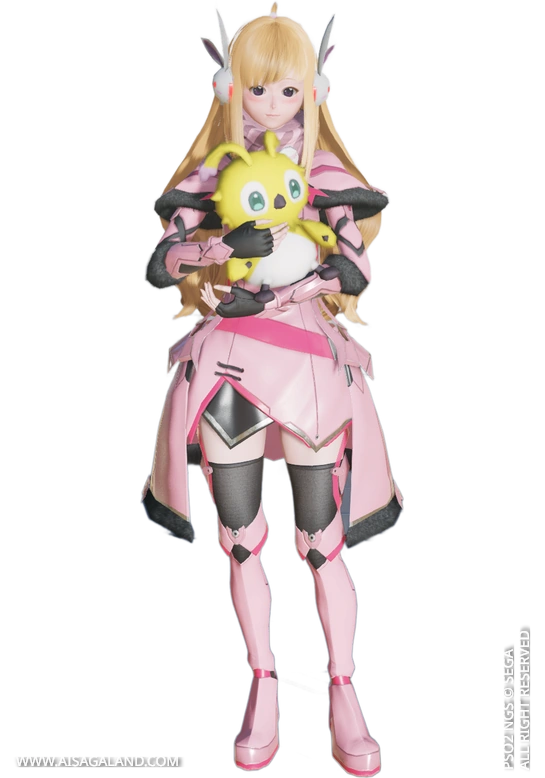

Heads-up! This recipe relies entirely on items from PSO2 Classic + NGS. Feel free to customize and play around with the sliders to make it your own.
This Character Recipe can be used in PSO2 New Genesis or PSO2 Classic game, All The slider instructions use the interface / UI from New Genesis game, here is the recipe info for Custom Character #20. Happy creation, this just custom recipes and hope it can help you :)
Video Preview
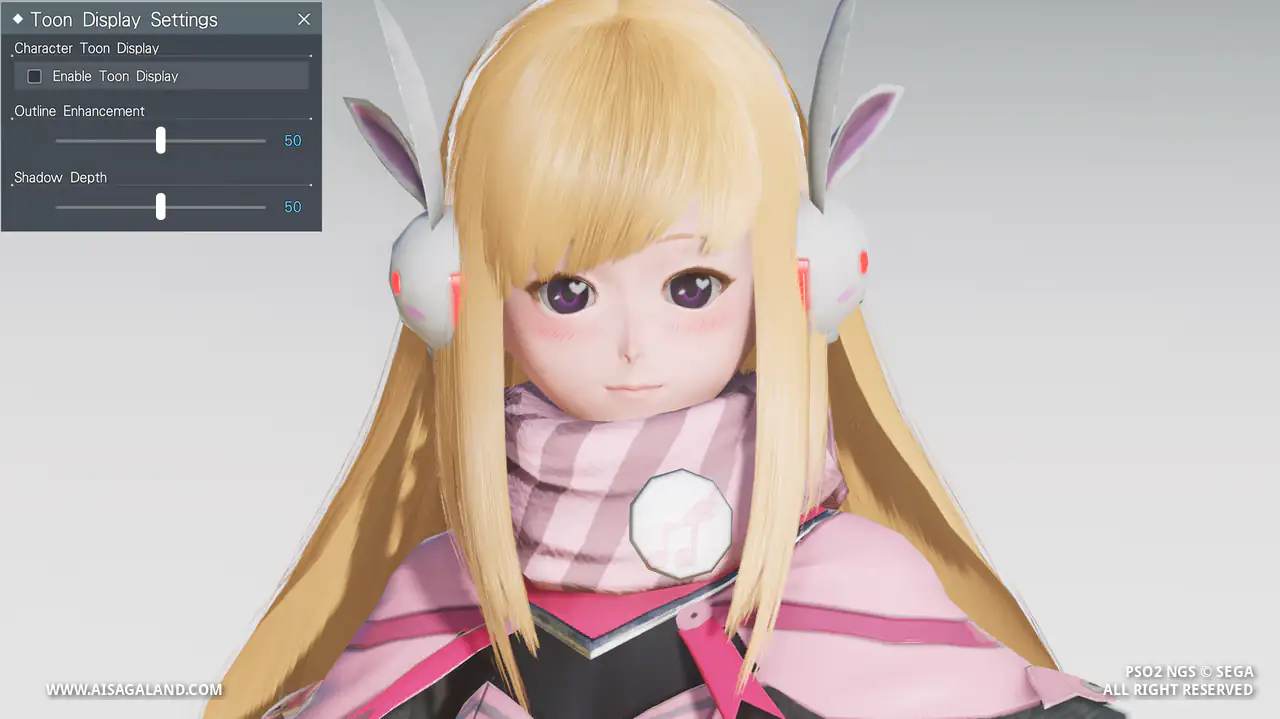
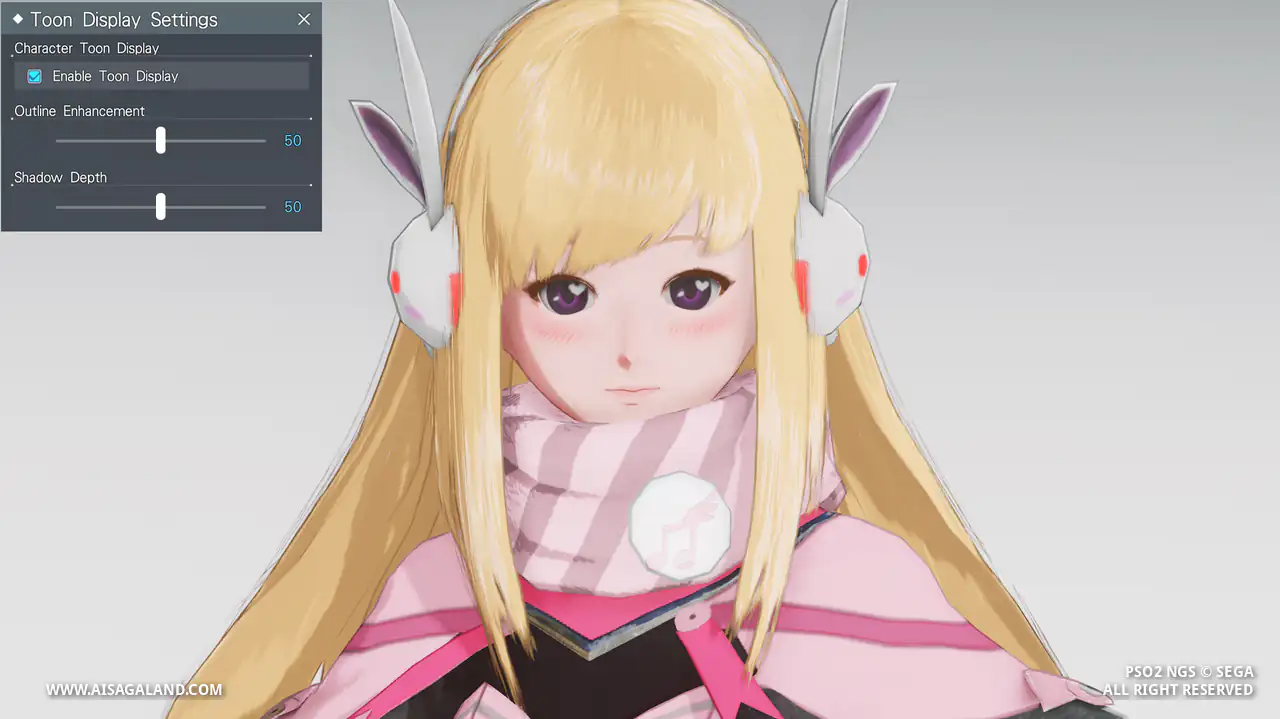
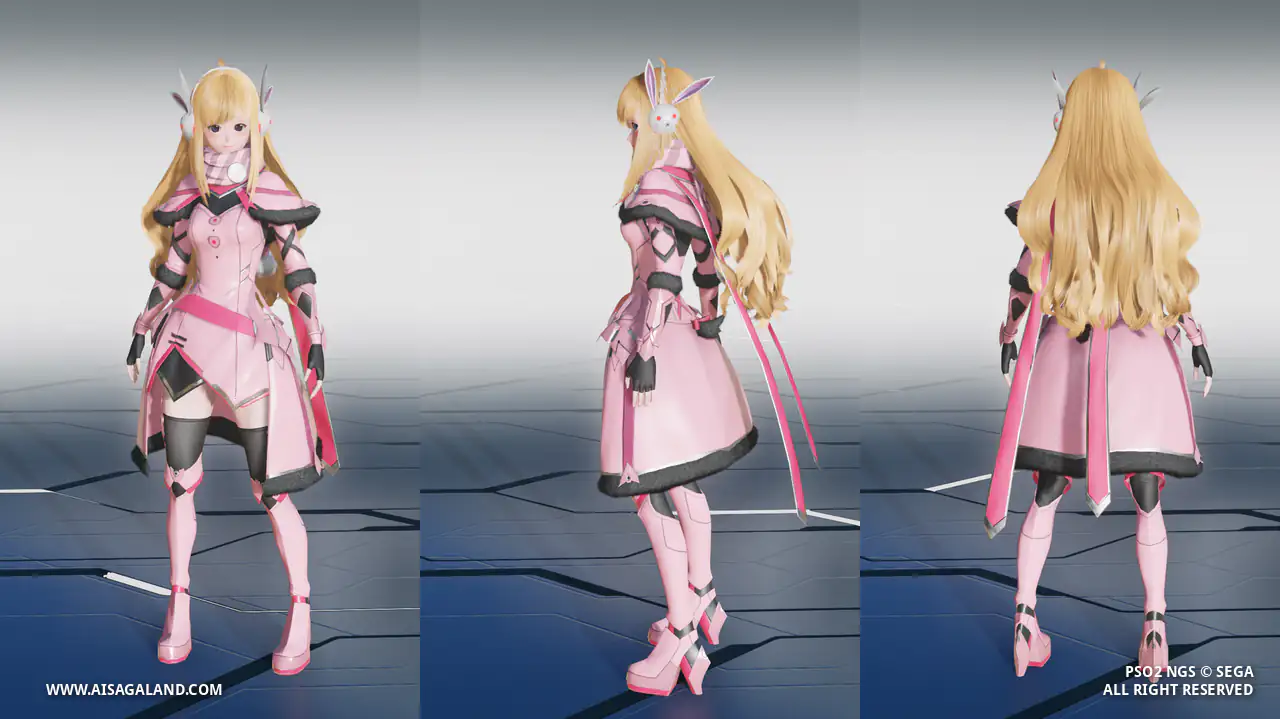
Slider Parameters
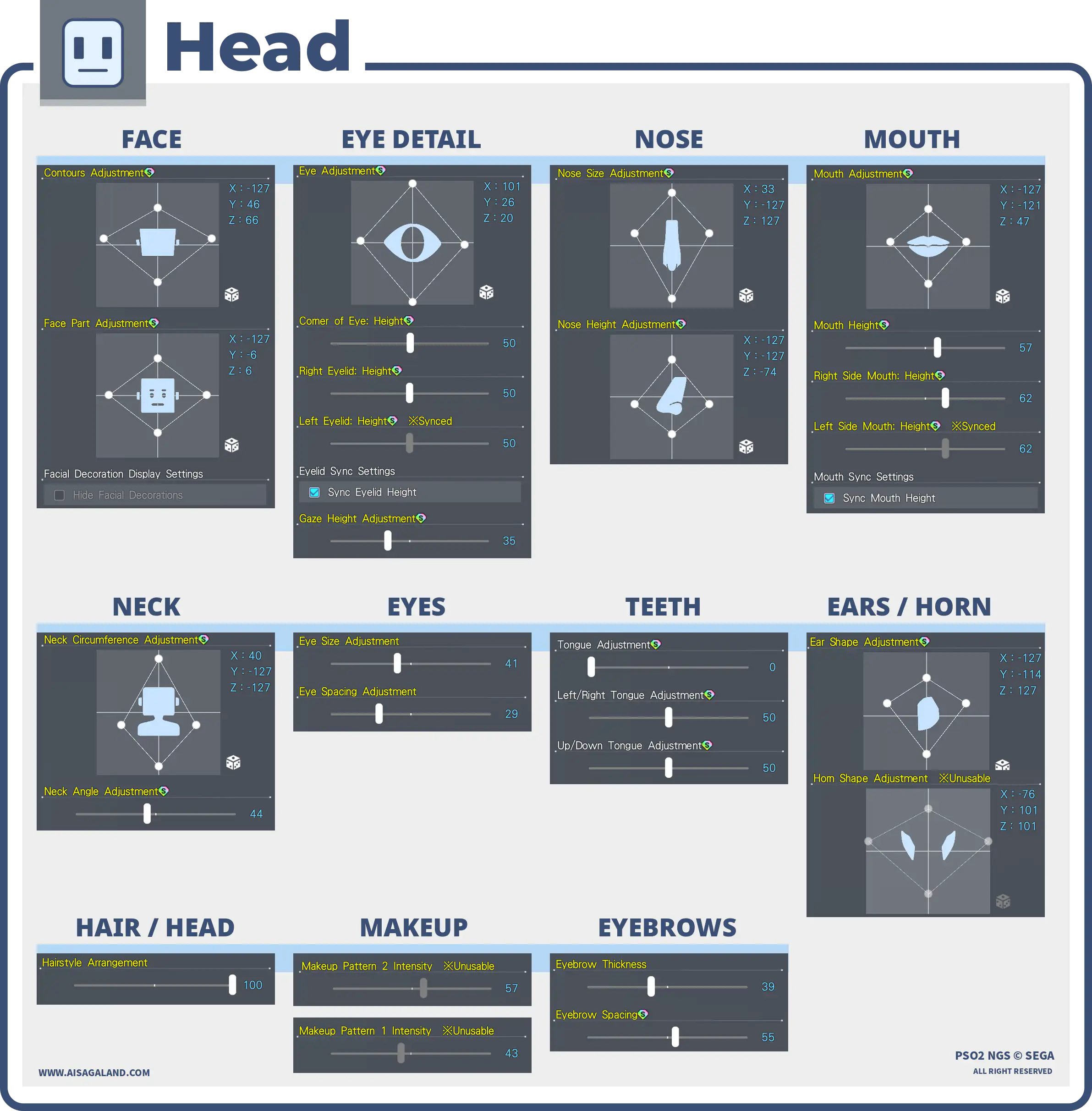
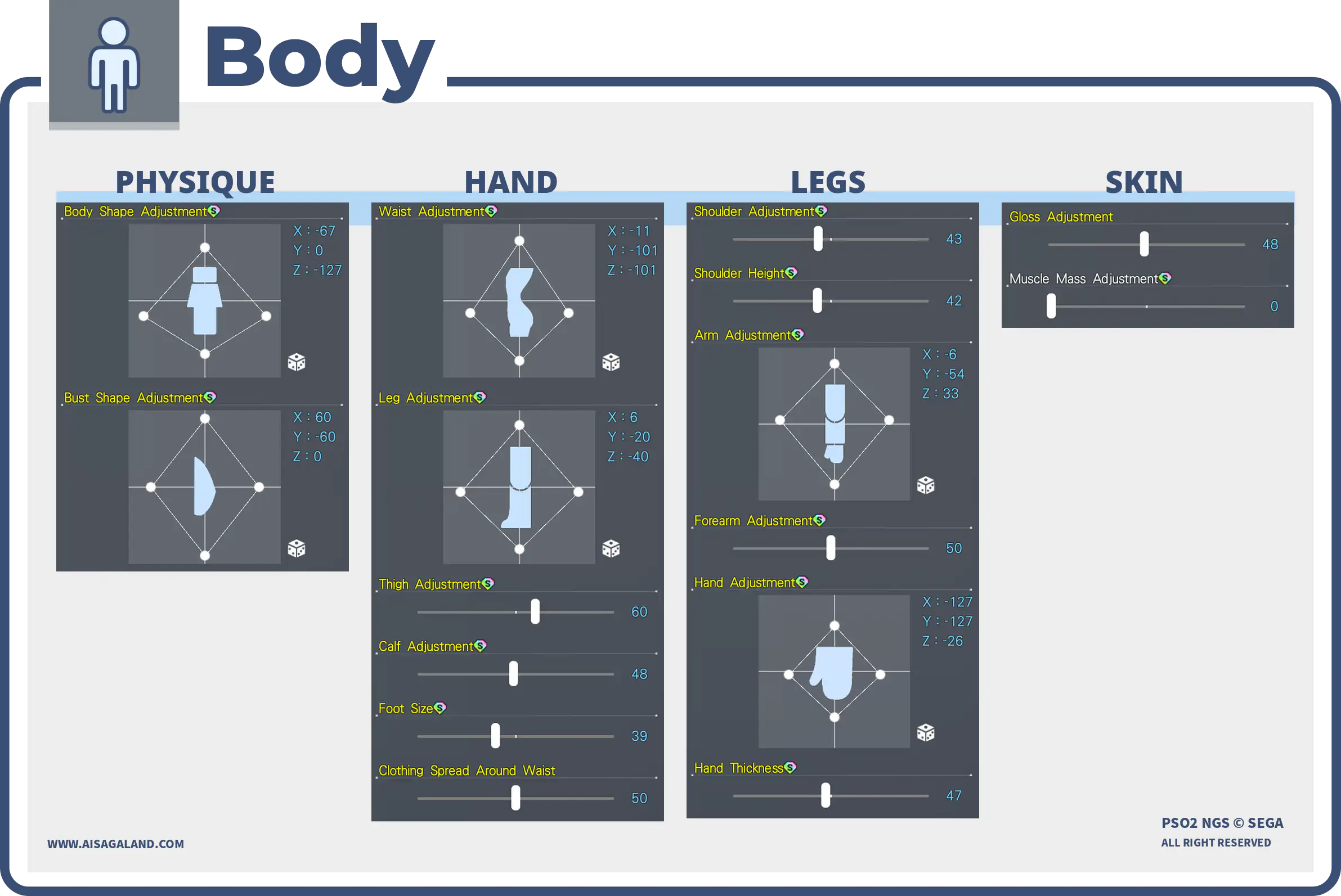
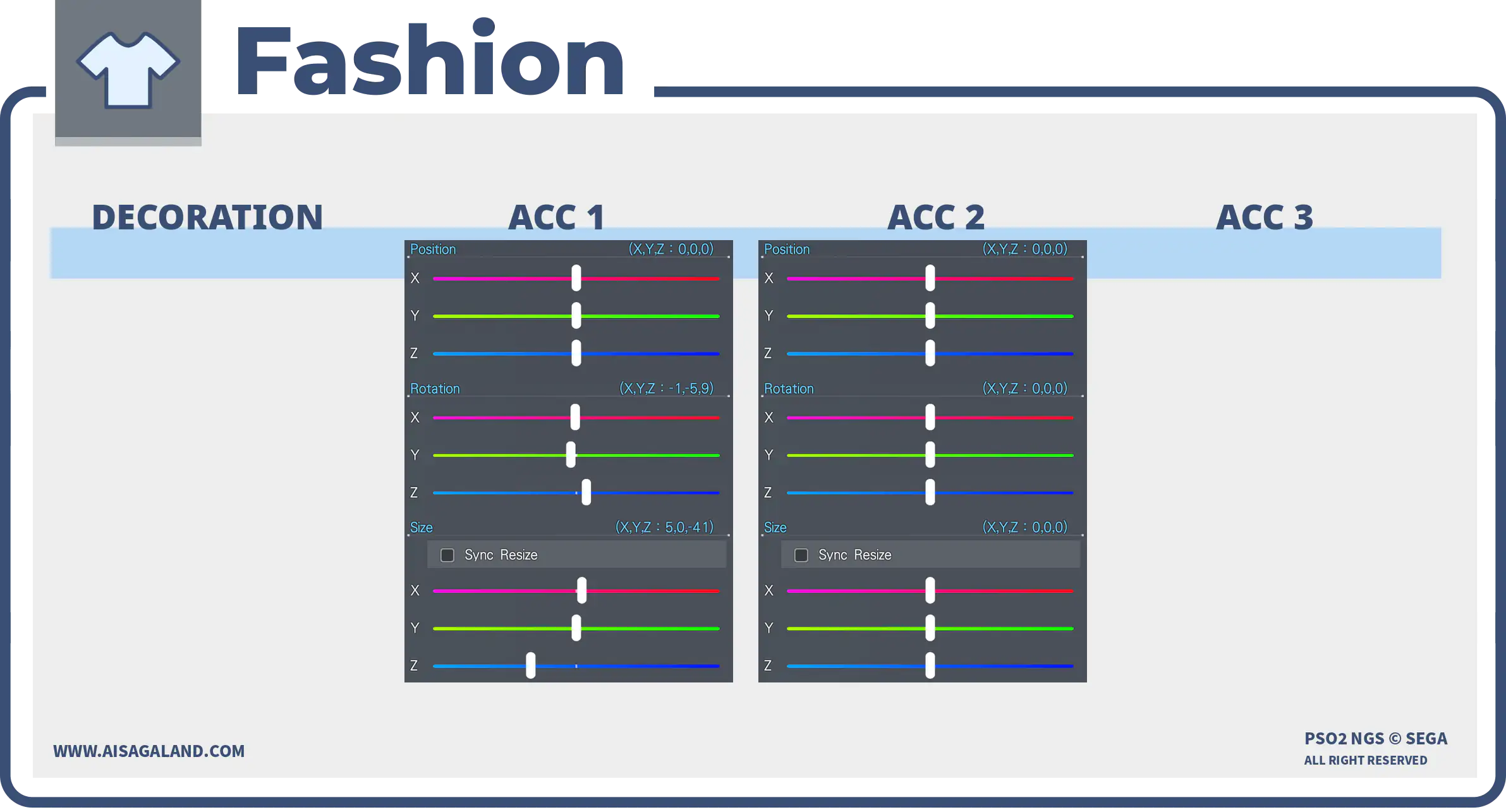
Parts Installed
| Category | Preview | Src | Item Name |
|---|---|---|---|
| Eyes |  | Shiny Heart Eyesシャイニーハートアイ | |
| Eyebrows |  | Watchful Eyebrowsヨースミまゆ | |
| Eyelashes | 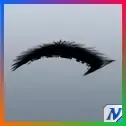 | Long Eyelashesフッサリまつげ | |
| Makeup / Facepaint 1 | 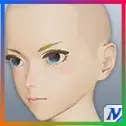 | Ainblum Cheeksアイノサクネチーク | |
| Makeup / Facepaint 2 | 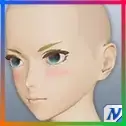 | Rouge Makeupホーヴェニーメイク | |
| Hairstyles | 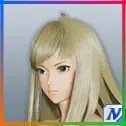 | Cerca Hairチェルカヘアー | |
| Basewear | 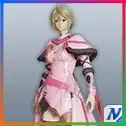 | Natalis Rochka/B2 [Ba]ナタリエラチカ/B2[Ba] | |
| Innerwear | 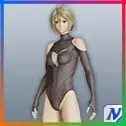 | Besti Rayfoot [In]ベスティーレイフット[In] | |
| Accessory 1 | 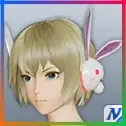 | Bunni Headphonesウッサーヘッドフォン | |
| Accessory 2 |  | Quna Scarf BクーナマフラーB |
Color Settings
| Position | Preview | RGB Value |
|---|---|---|
| Hair 2 | 239, 175, 117 | |
| Eye Right | 149, 29, 149 | |
| Eyebrows | 175, 119, 69 | |
| Eyelashes | 74, 80, 90 | |
| Eyelashes | 70, 42, 0 | |
| Skin | 249, 208, 201 | |
| Skin Undertone | 225, 8, 0 | |
| [Ba] Color 1 | 255, 159, 178 | |
| [Ba] Color 2 | 238, 60, 94 |
Item Source Reference
Arks Cash Scratch.
Star Gems Scratch.
Genesis Points.
FUN Scratch from PSO2 Classic.
PSO2 Classic or legacy source.
Limited scratch, event, campaign, or special code.
Mission Pass reward.
Bonus package
Recipe Download
Character Recipe File
⚠️ These character files (.fhp, .fnp, .fdp, etc.) are just the "vanilla" face presets. What you see in the BASE FACE PREVIEW is exactly what you get: raw face data with no makeup and no body sliders. To finish the look, just match it with the item recipe detailed in this article, or just have fun customizing it yourself.