PSO2 NGS Character Creation Custom 15
Old-school items meet new-gen style. This character highlights a custom red theme complemented by fierce red horns, blending the best gear from both PSO2 and NGS.
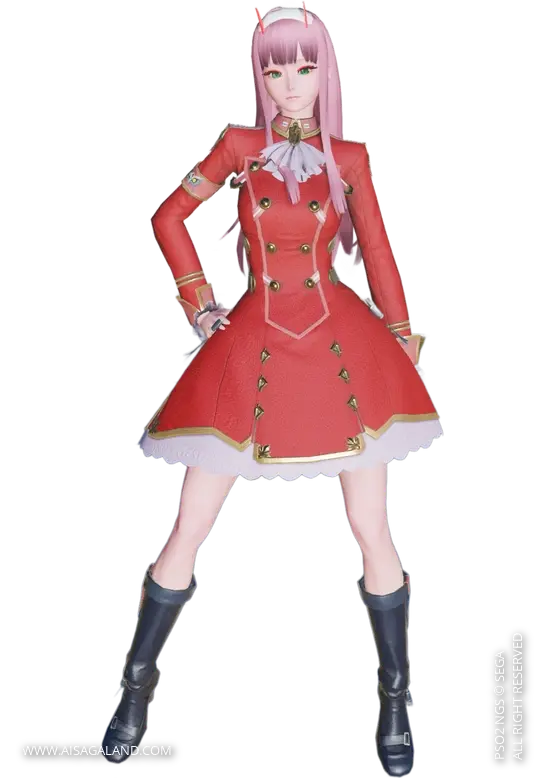

Heads-up! This recipe relies entirely on items from PSO2 Classic + NGS. Feel free to customize and play around with the sliders to make it your own.
This Character Recipe can be used in PSO2 New Genesis or PSO2 Classic game, but the slider instructions use the interface / UI from New Genesis game, here is the recipe info for Custom Character #15. Good luck, happy creation and hope it can help you :)
Video Preview
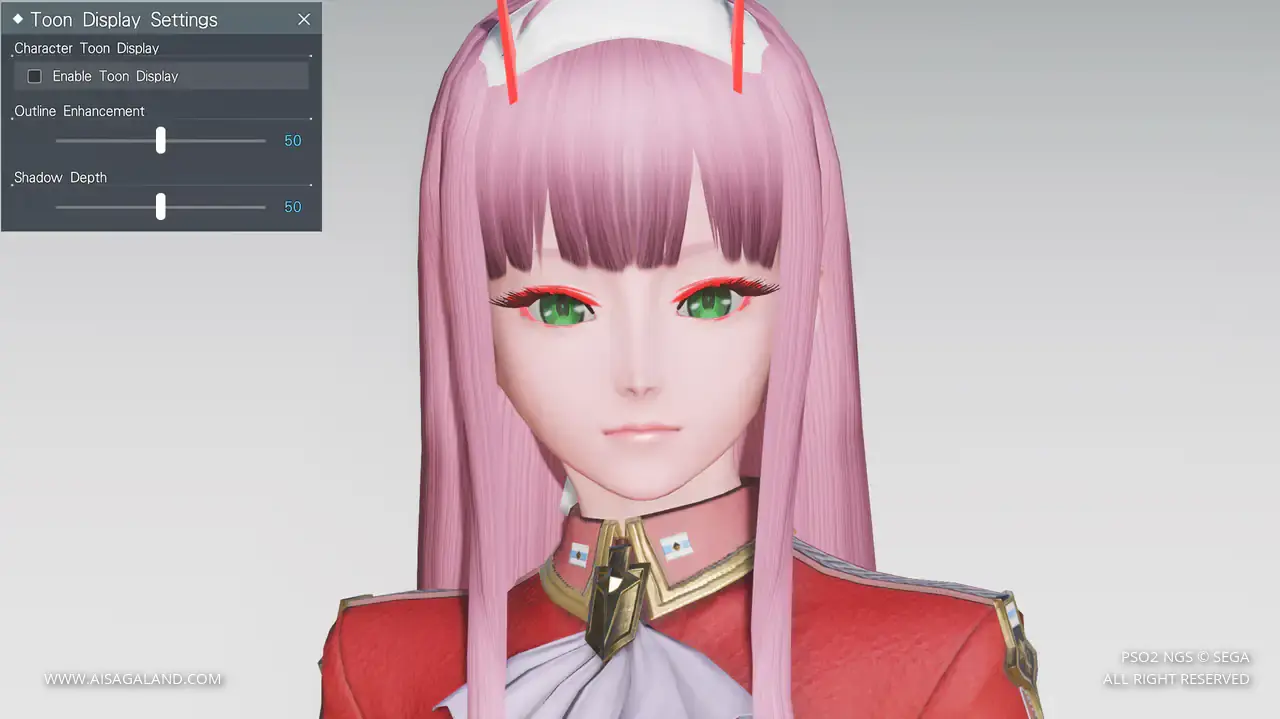
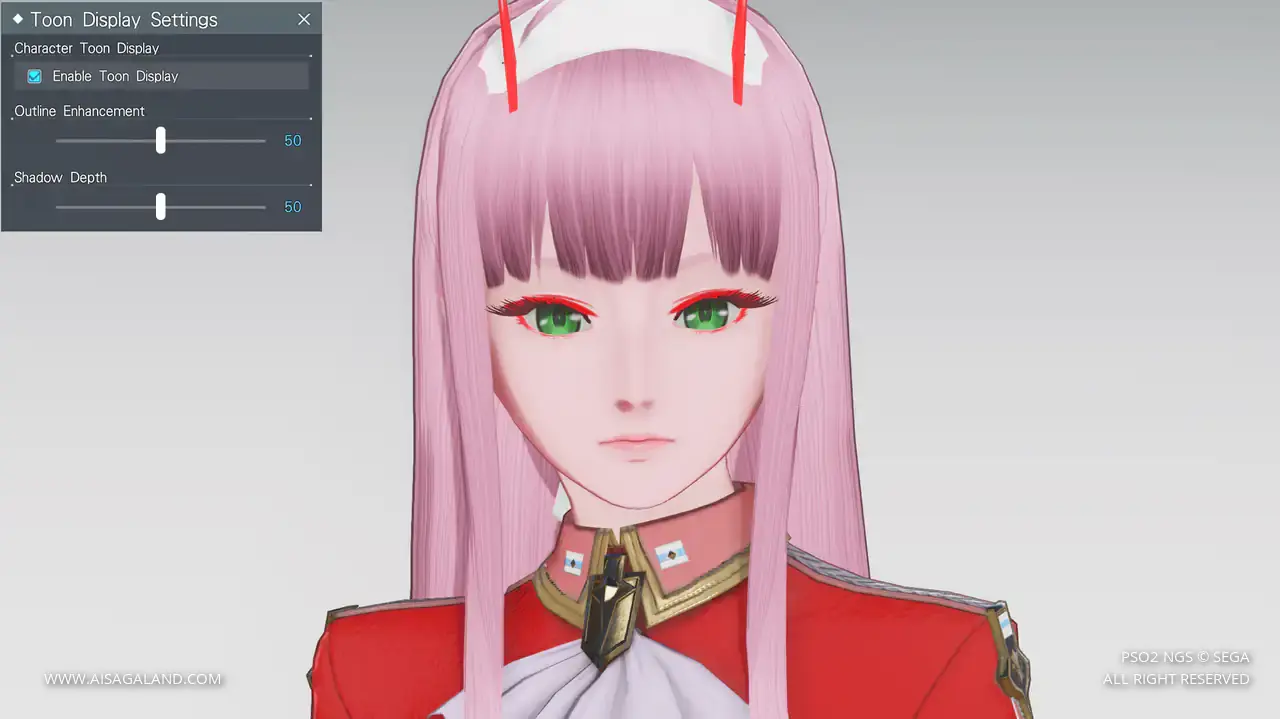
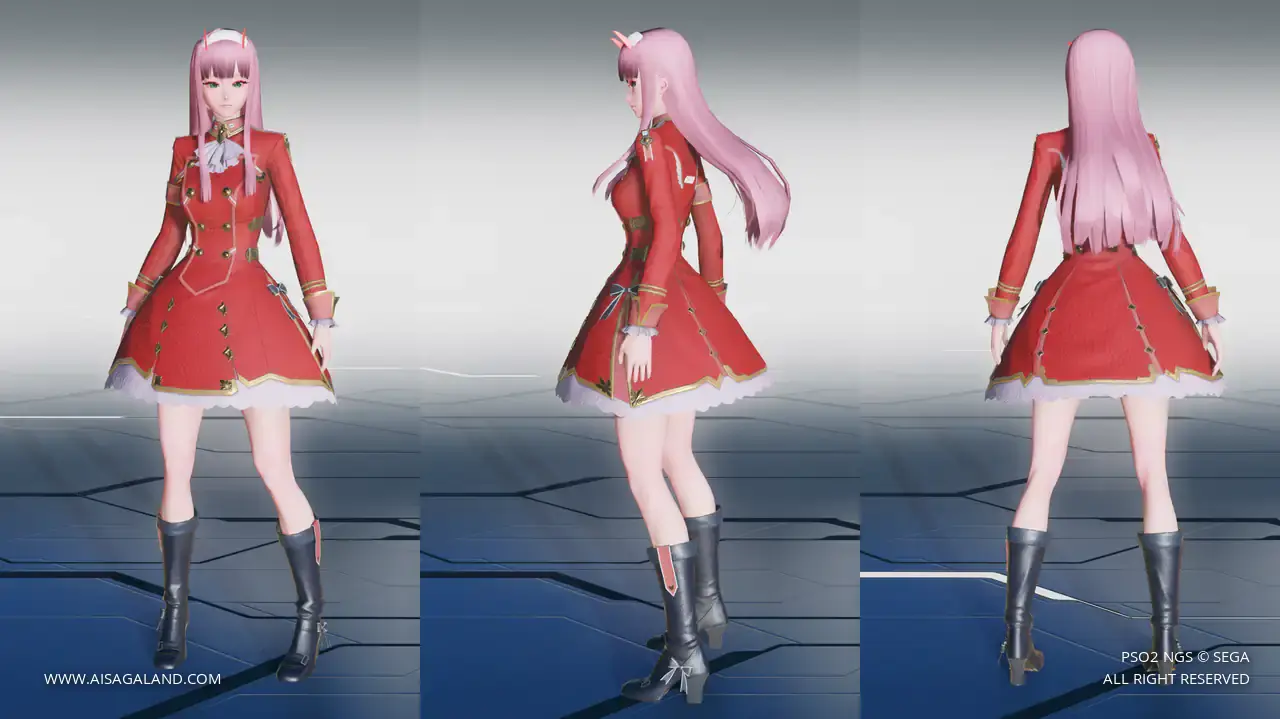
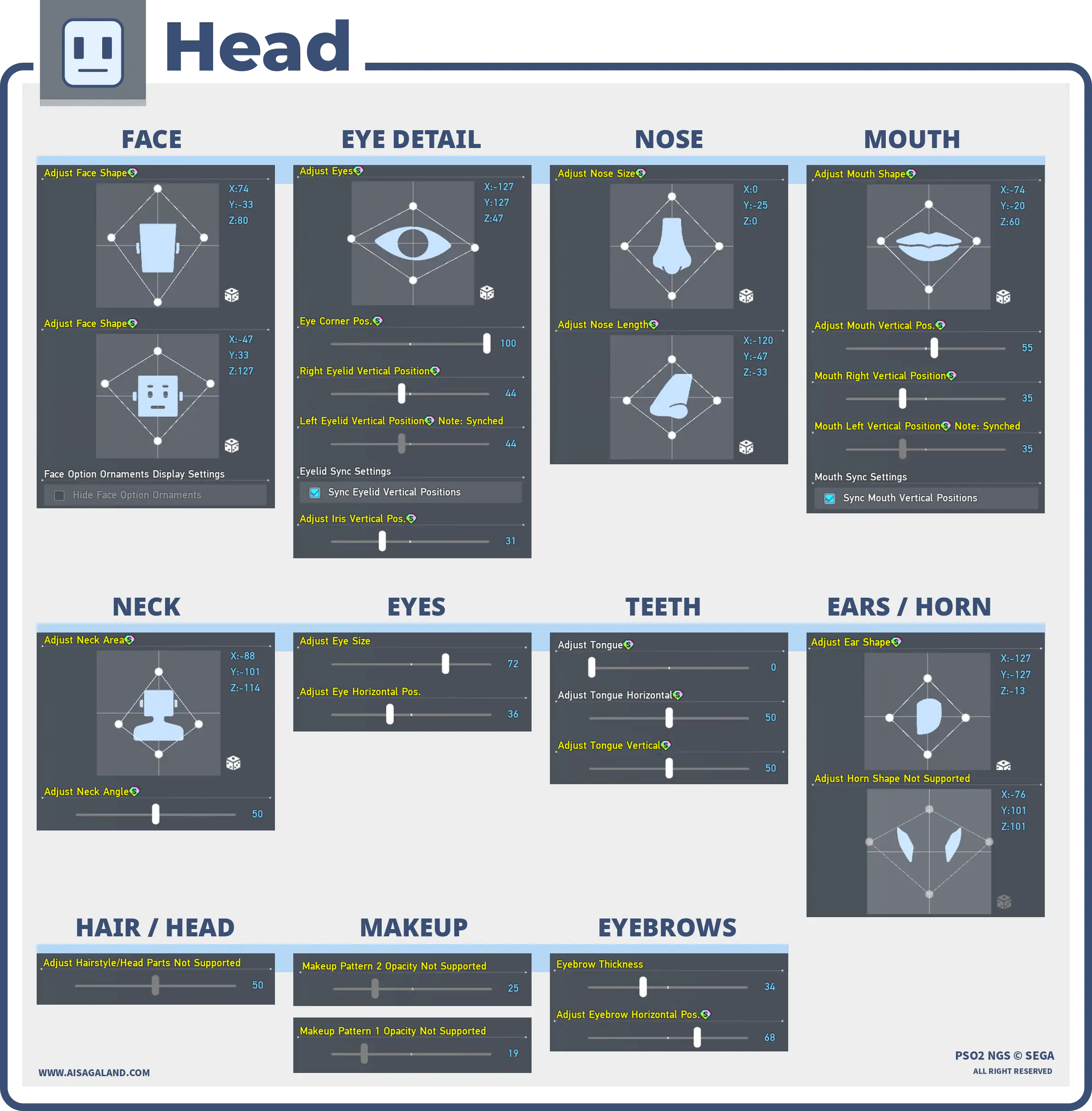
Slider Parameters
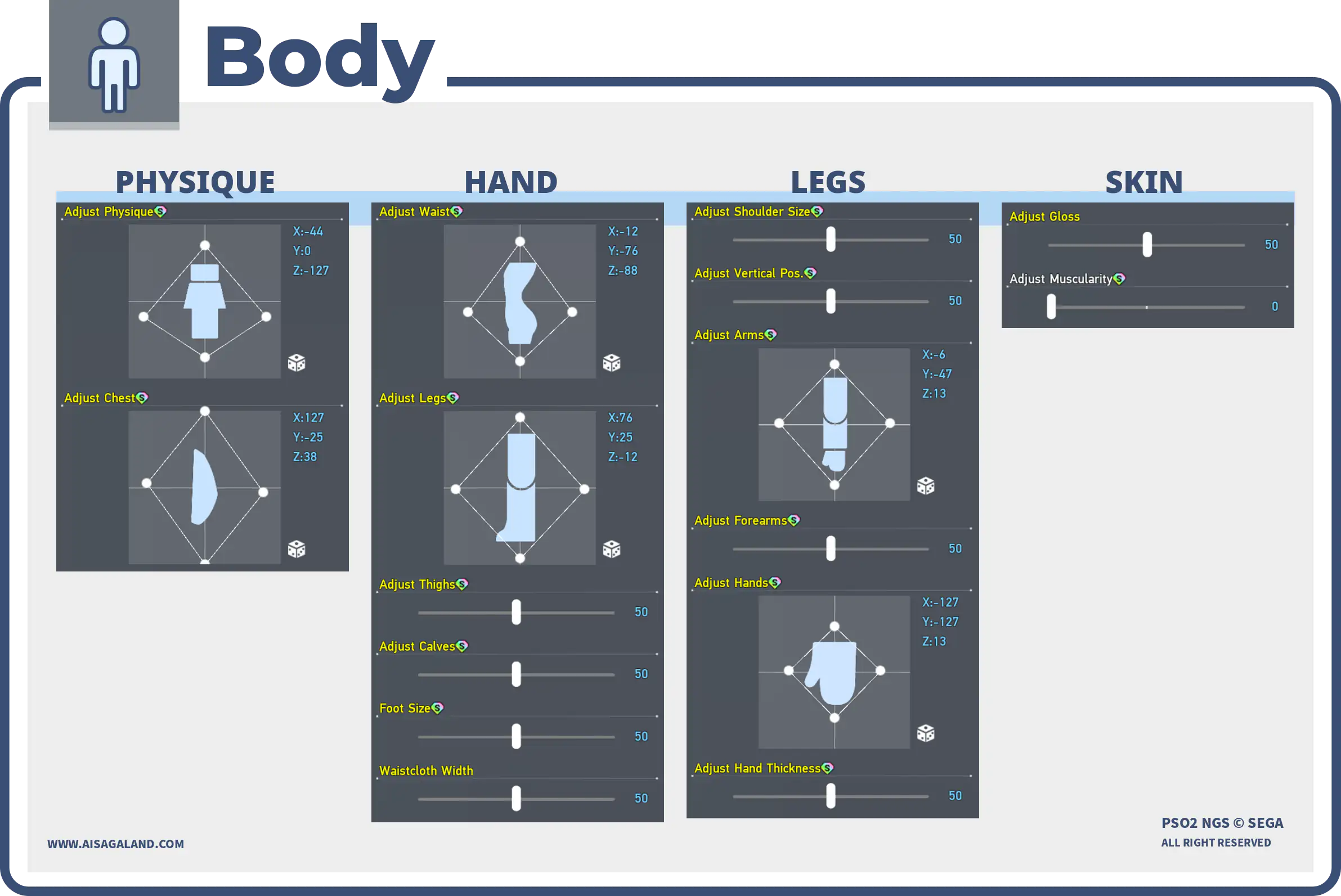
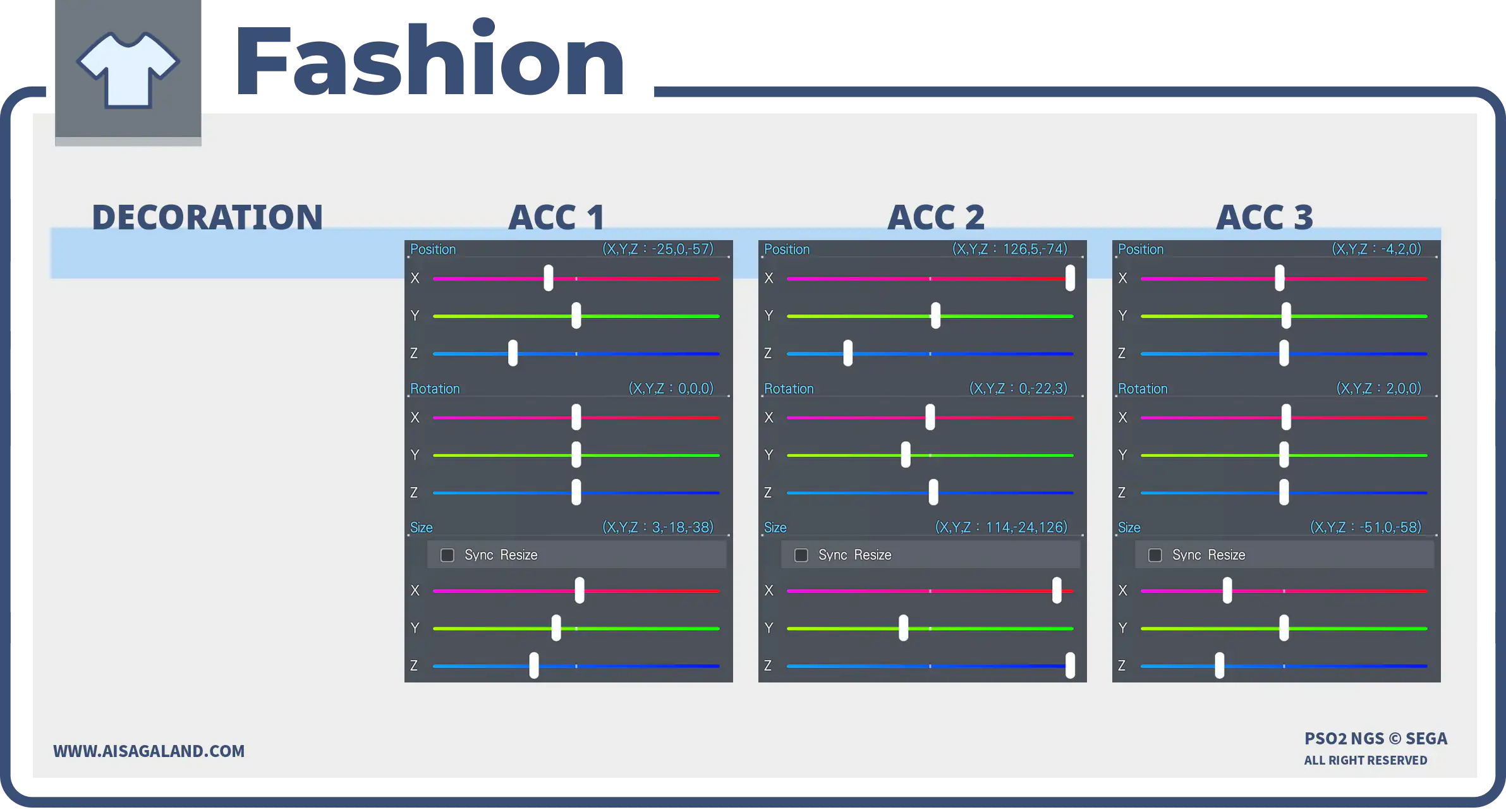
Parts Installed
| Category | Preview | Src | Item Name |
|---|---|---|---|
| Faces | 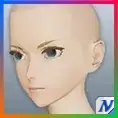 | Base Face Type T2ベースフェイスタイプT2 | |
| Skin Patterns | 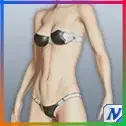 | Base Body T2ベースボディT2 | |
| Eyes | 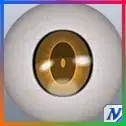 | Illustratica Eyesイラスティカアイ | |
| Eyebrows | 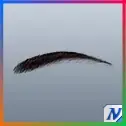 | Thin Eyebrowsスラットまゆ | |
| Eyelashes | 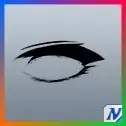 | Pleasant Eyelashesプレザントまつげ | |
| Makeup / Facepaint | 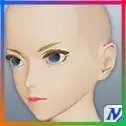 | Glassy Lip Gloss/4グラッシーグロスリップ/4 | |
| Makeup / Facepaint | 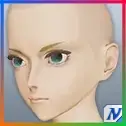 | Snipt Makeupスキットメイク | |
| Hairstyles |  | Futaba Sakura Hair佐倉双葉ヘアー | |
| Teeth | 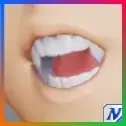 | Wonderful Teethワンダフルトゥース | |
| Basewear | 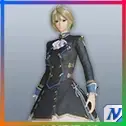 | N-Taulia L'arg [Se]N-タウリアラーグ[Se] | |
| Innerwear | 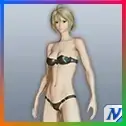 | Actis [In]アクティスインナー[In] | |
| Accessory 1 | | Luscious Eyelashes B盛りまつげB | |
| Accessory 2 | 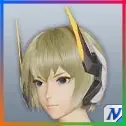 | Schanorf Antennaシャノフアンテナ | |
| Accessory 3 | | Simple Headband: White白ハチマキカチューシャ |
Color Settings
| Position | Preview | RGB Value |
|---|---|---|
| Hair | 220, 133, 161 | |
| Eye | 61, 210, 61 | |
| Eyelashes | 255, 0, 0 | |
| Skin | 245, 196, 186 | |
| Sub Skin | 225, 0, 87 | |
| [Se] Color 1 | 165, 11, 11 | |
| [Se] Color 2 | 165, 79, 79 |
Item Source Reference
Arks Cash Scratch.
Star Gems Scratch.
Genesis Points.
FUN Scratch from PSO2 Classic.
PSO2 Classic or legacy source.
Limited scratch, event, campaign, or special code.
Mission Pass reward.
Bonus package
Recipe Download
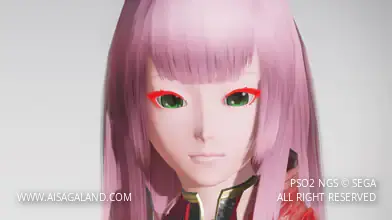
Character Recipe File
⚠️ These character files (.fhp, .fnp, .fdp, etc.) are just the "vanilla" face presets. What you see in the BASE FACE PREVIEW is exactly what you get: raw face data with no makeup and no body sliders. To finish the look, just match it with the item recipe detailed in this article, or just have fun customizing it yourself.