PSO2 NGS Character Creation Custom 12
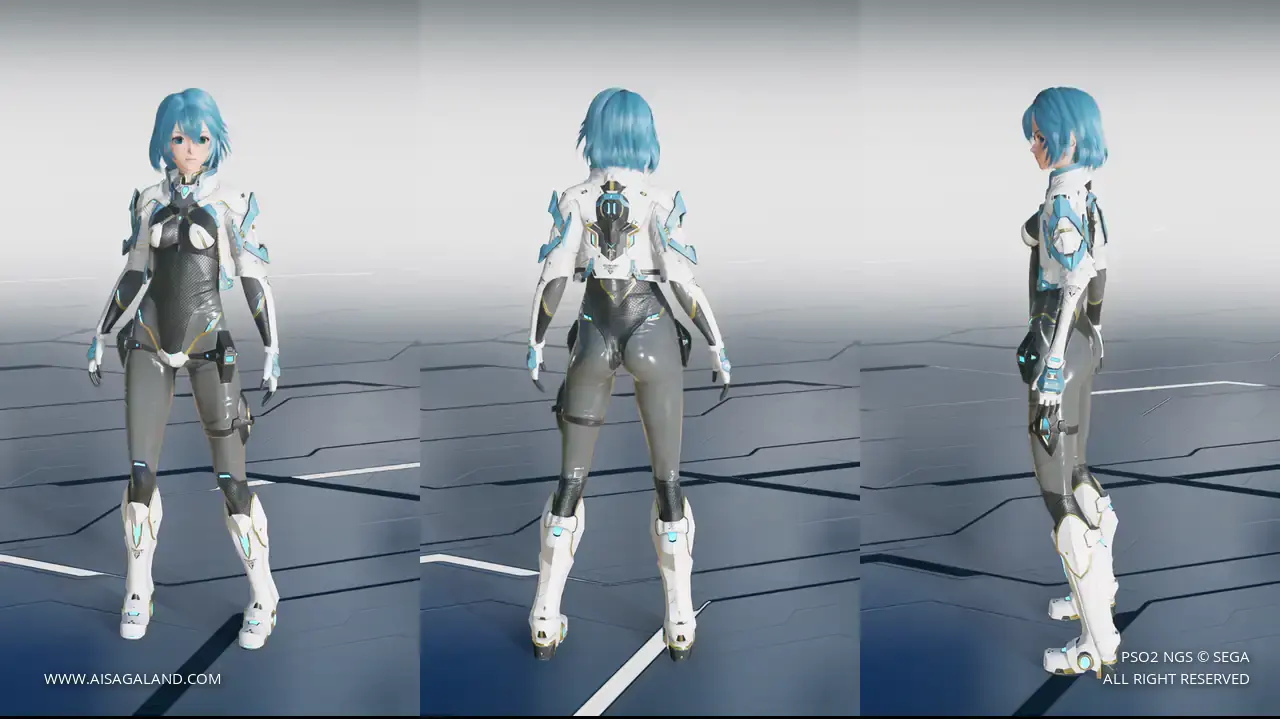
Embracing the classic ARKS identity. This character highlights the default white and cyan uniform, blending a simple starting look with a battle-ready vibe.
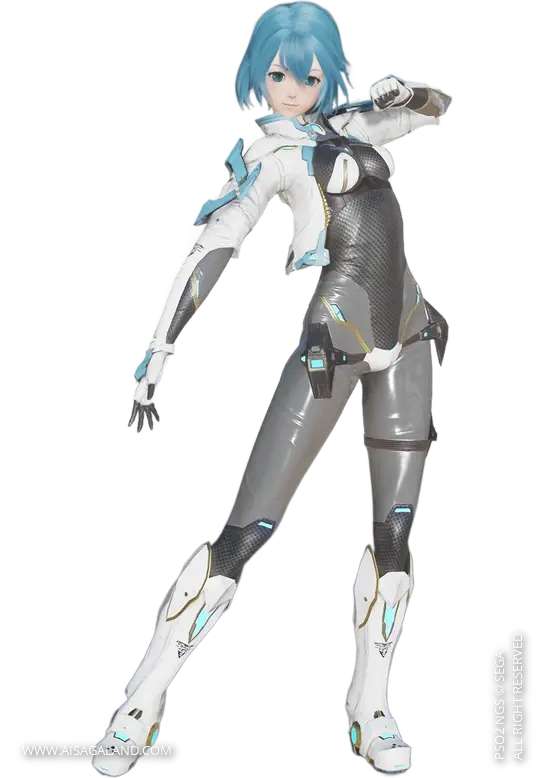
Fresh from the new engine! This look is crafted using NGS-only items, meaning you get the highest texture quality and full accessory physics support. Feel free to experiment with the colors and positions to make it uniquely yours!
This Character Recipe can be used in PSO2 New Genesis or PSO2 Classic game, but the slider instructions use the interface / UI from New Genesis game, here is the recipe info for Custom Character #12. Good luck, happy creation and hope it can help you :)
Video Preview
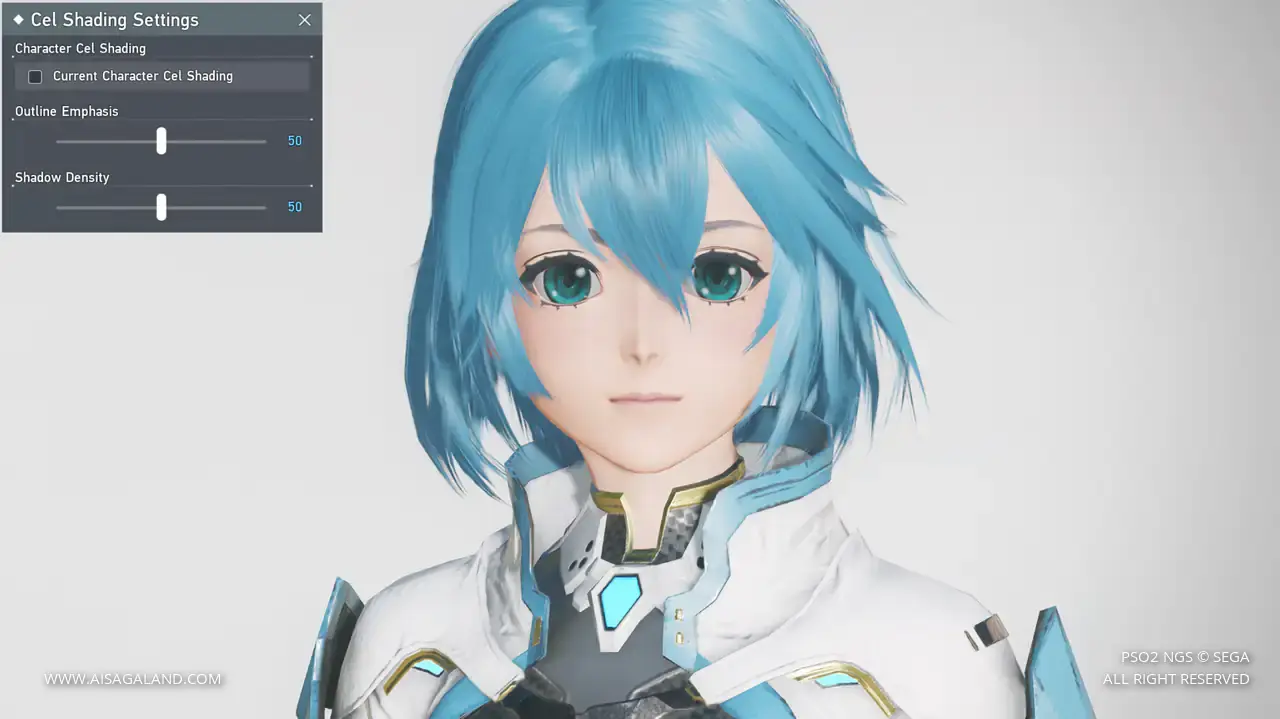
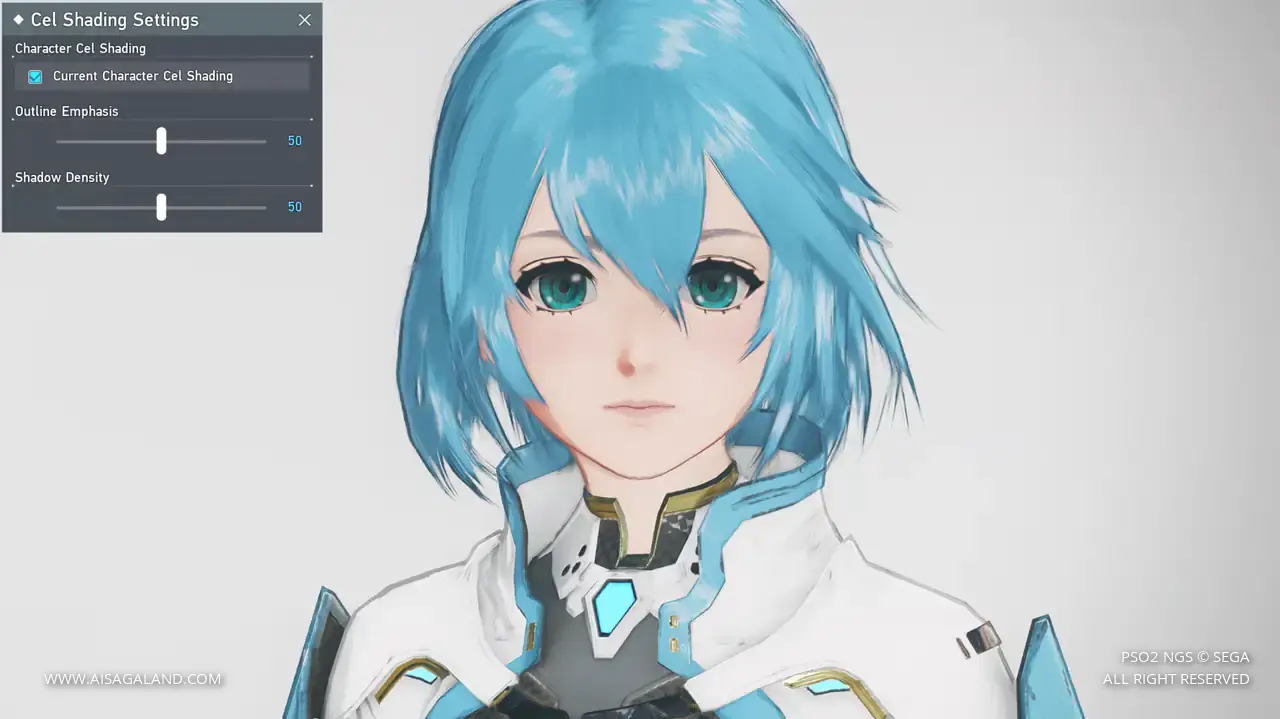
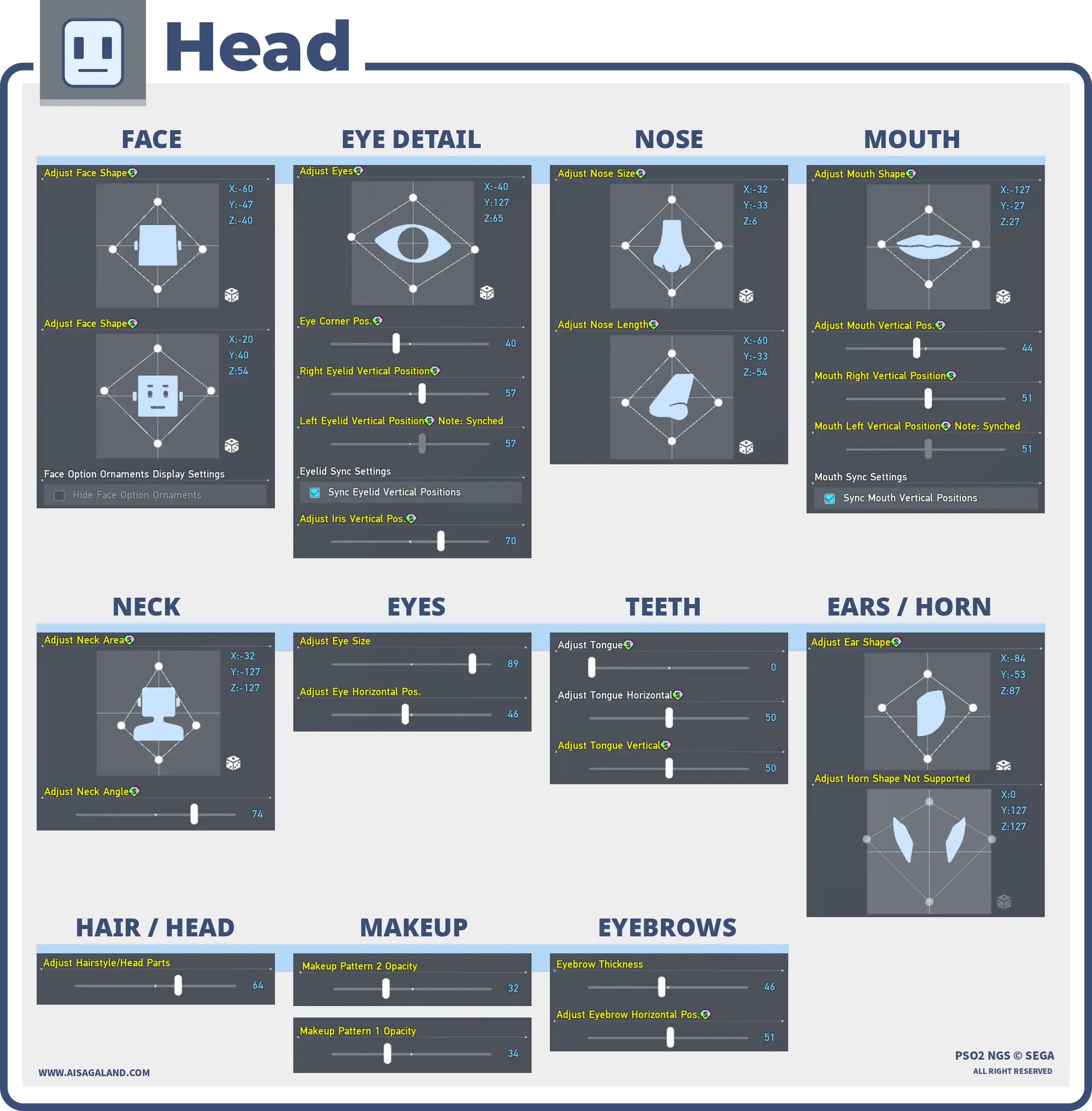
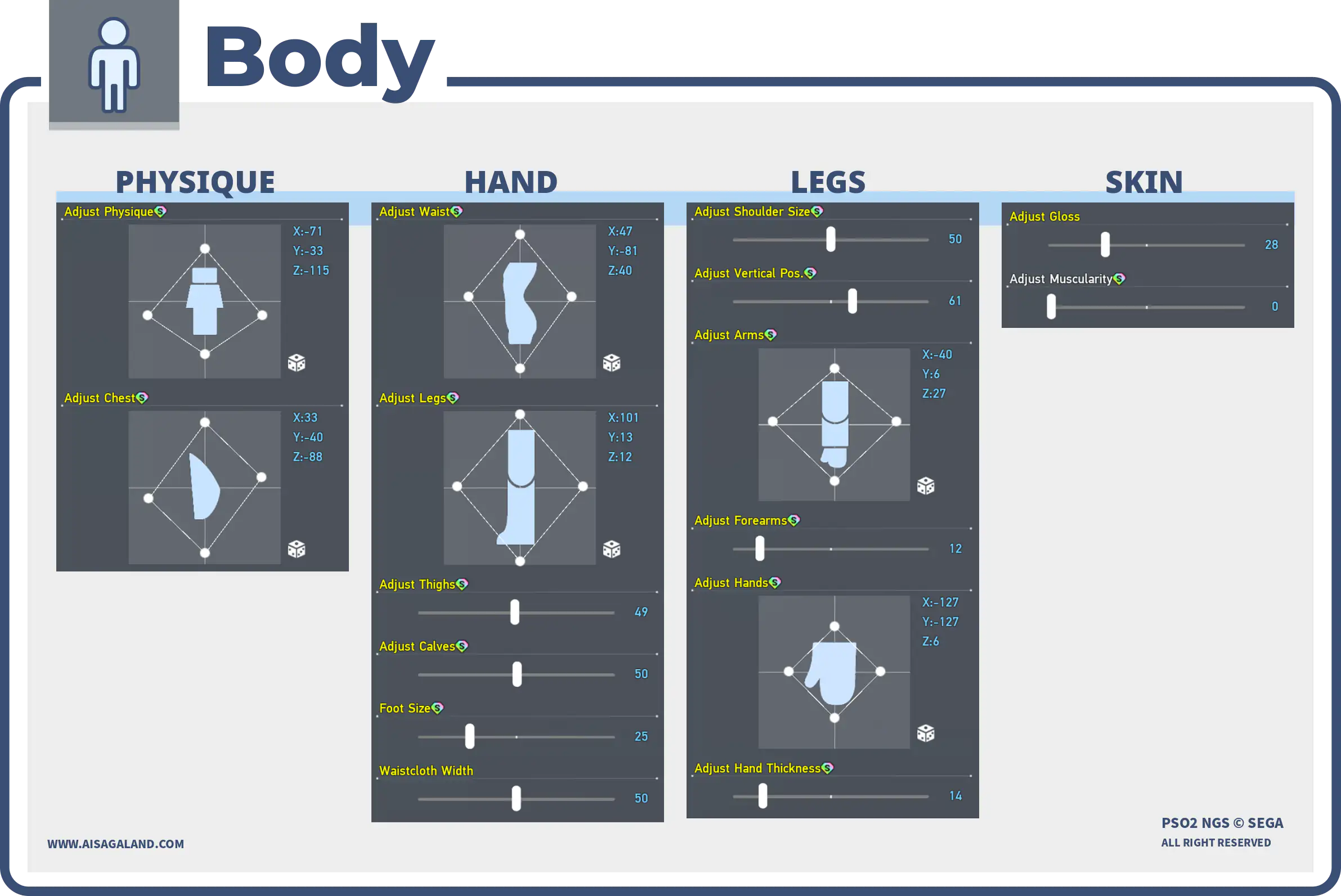
Slider Parameters
Parts Installed
| Category | Preview | Src | Item Name |
|---|---|---|---|
| Faces | 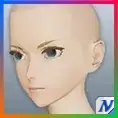 | Base Face Type T2ベースフェイスタイプT2 | |
| Eyes | 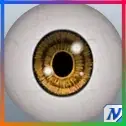 | Clear Eyesブライトアイ | |
| Eyebrows | 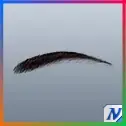 | Thin Eyebrowsスラットまゆ | |
| Eyelashes | 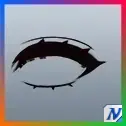 | Cordial Eyelashesコーディアまつげ | |
| Makeup / Facepaint 1 | 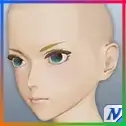 | Cordial Rougeコーディアチーク | |
| Makeup / Facepaint 2 | 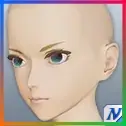 | Clear Lip Glossクリアリップ | |
| Hairstyles | 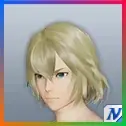 | High Neteller Mediumハイネテラーミディアム | |
| Basewear | 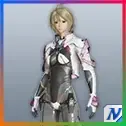 | Allaia Quartz [Se]アライアクォーツ[Se] | |
| Innerwear | 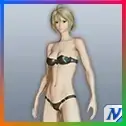 | Actis [In]アクティスインナー[In] |
Color Settings
| Position | Preview | RGB Value |
|---|---|---|
| Hair | 78, 139, 171 | |
| Eye | 2, 143, 143 | |
| Eyebrows | 28, 78, 106 | |
| Eyelashes | 0, 23, 35 | |
| Skin | 246, 210, 187 | |
| Sub Skin | 246, 54, 47 | |
| [Ba] Color 1 | 255, 255, 255 | |
| [Ba] Color 2 | 78, 139, 171 |
Item Source Reference
Arks Cash Scratch.
Star Gems Scratch.
Genesis Points.
FUN Scratch from PSO2 Classic.
PSO2 Classic or legacy source.
Limited scratch, event, campaign, or special code.
Mission Pass reward.
Bonus package
Recipe Download
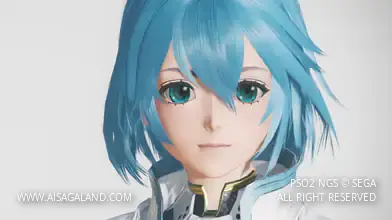
Character Recipe File
⚠️ These character files (.fhp, .fnp, .fdp, etc.) are just the "vanilla" face presets. What you see in the BASE FACE PREVIEW is exactly what you get: raw face data with no makeup and no body sliders. To finish the look, just match it with the item recipe detailed in this article, or just have fun customizing it yourself.